Guides
Setups I ran myself, written so you can repeat them. Every guide opens with the short answer, then walks through the steps, with commands, prices checked on the official pages and a date showing when it was last updated.

5 AI Agents for a Small Business: MCP Guide
Build five AI agents for a small business, connected to MCP tools: SEO, ads, WhatsApp leads, business development and a manager, plus a bonus agent.

Colibri: How to Run a 400 GB AI Model Locally
Learn how Colibri, a free open-source engine, runs large MoE AI models on a personal computer, with real speed tests, model sizes, and install steps.

Claude Pro vs Max vs Ultra: Which Plan to Pick
Claude Pro is $20, Max $100 and Ultra $200 a month. Compare usage limits, Claude Code, Fable access and API credits, and pick the right plan.
Claude Code Pricing: Plans, Limits and API Costs
Claude Code has no price of its own. It comes with Claude Pro, Max, Ultra and Team, or you pay per token through the API. Here is what each option costs.
Claude API Pricing: Every Current Model Explained
Claude API prices per million tokens for Fable 5.2, Opus 5.5, Sonnet 5.5 and Haiku 5.5, plus caching, batch, fast mode and how to estimate your bill.
Claude Code vs Cursor: Which AI Coding Tool to Use
Claude Code is an agent that works across your project. Cursor is an AI editor with many models. Compare how they work, pricing and when to use each.
Ollama vs LM Studio: Which Local AI Tool to Use
Ollama is an open source runtime you script and serve. LM Studio is a free desktop app with a headless mode. Compare setup, APIs and use cases.
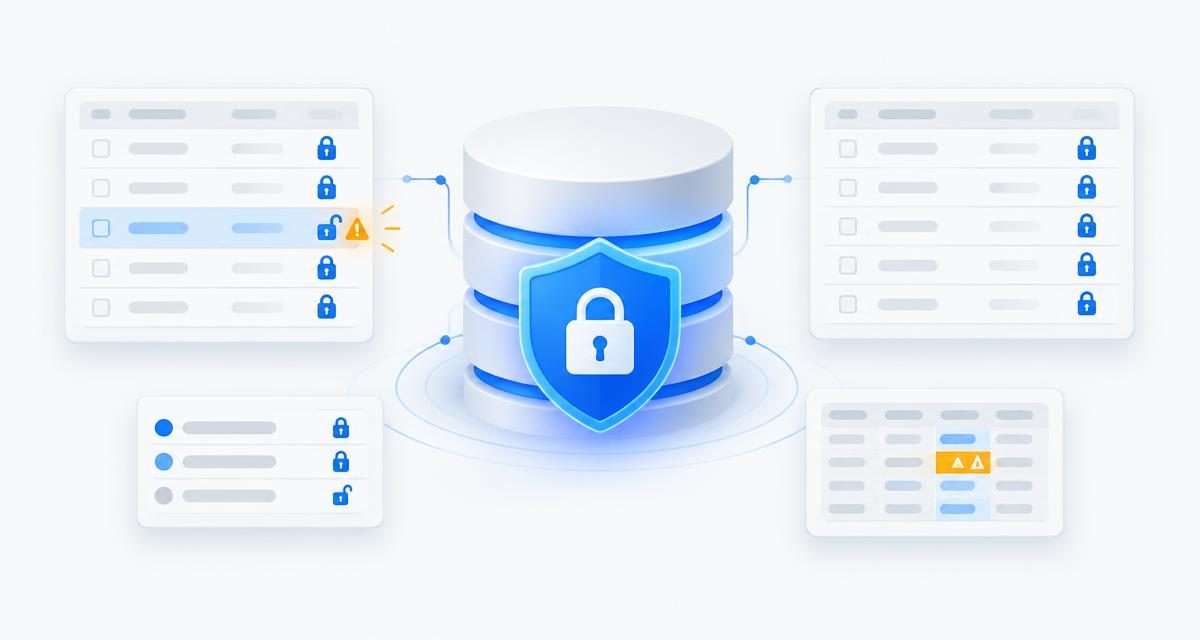
Supabase Guide: Setup, RLS Security and Audit Checks
A full Supabase guide with what it includes, how RLS works, seven common mistakes, and read-only SQL checks plus Claude Code prompts to audit your app.
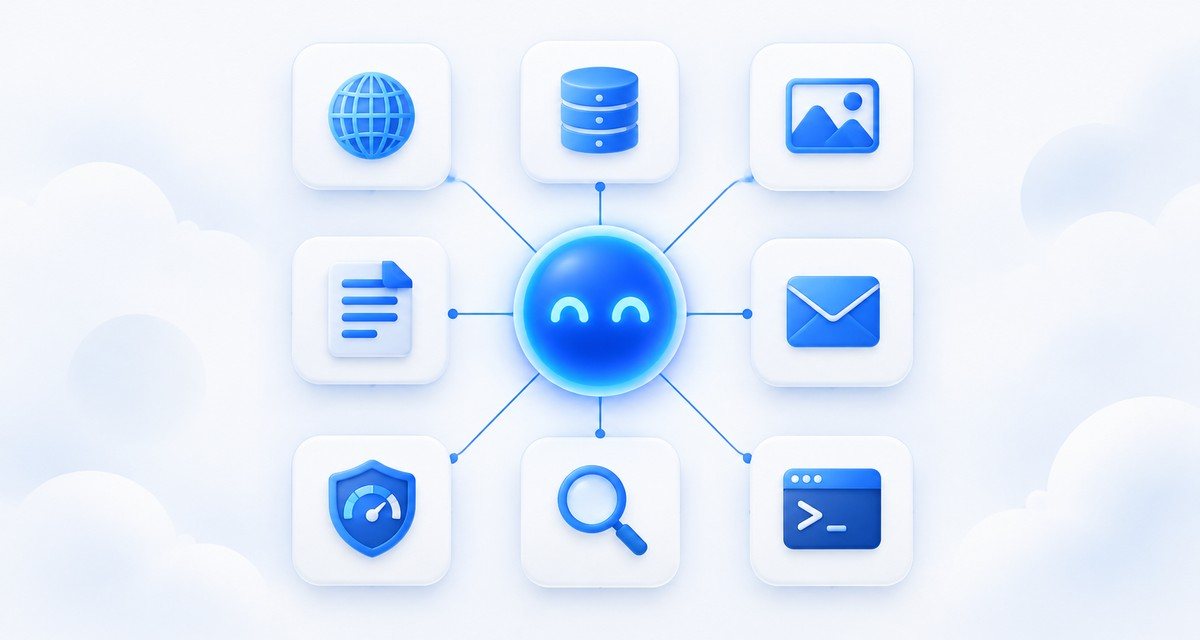
Cloudflare Vibe Coding: 8 Tools to Build for Free or $5
Build a site, blog or SaaS with Cloudflare vibe coding. Eight tools cover hosting, data, storage, blog, email and search. Free or from $5 a month.

Jarvis OS: Personal AI Assistant on Claude Code
Jarvis OS is a free, MIT-licensed repo that turns Claude Code into a voice assistant with memory, app access, and phone calls. Here is how to set it up.

Claude Code Limit Hit? Keep Working with claude-code-local
When Claude Code hits its usage limit mid-task, claude-code-local lets you continue the same session on a local or free cloud model. Here is the guide.

REA Reverse Engineering Tools for Claude Code
Five free open source tools that let Claude Code inspect apps, websites, Android APKs and videos. Learn what each does, who it fits, and how to install it.

One email a week. One agent you can copy.
Every week I send the setup I actually used: the tools, the prompts and the steps. Short enough to read on your phone.
No spam. Unsubscribe with one click.