Supabase Guide: Setup, RLS Security and Audit Checks
A full Supabase guide with what it includes, how RLS works, seven common mistakes, and read-only SQL checks plus Claude Code prompts to audit your app.

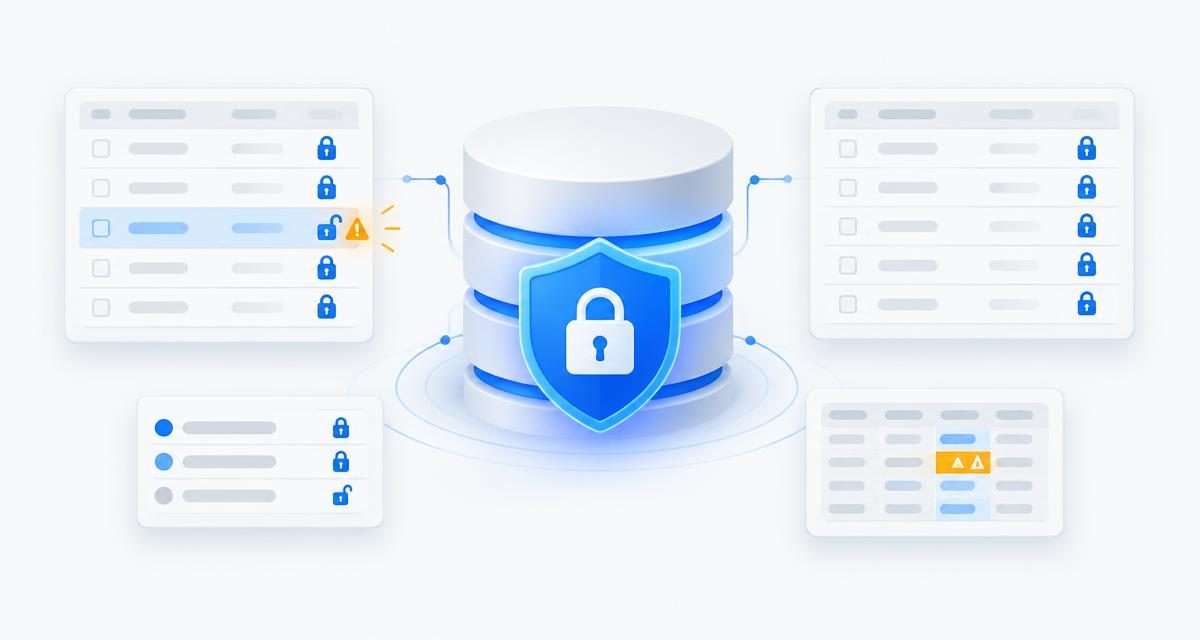
In September 2026, researchers at UpGuard did not break into anything. They checked apps built on Supabase and looked at what anyone could read using the public key that sits in every site's code. They found 16,326 databases with tables that any person in the world could read.
In short: UpGuard found 16,326 Supabase databases in September 2026 with tables that anyone could read. The cause was Row Level Security (RLS) and permission settings that builders got wrong, not a flaw in Supabase. Before you launch, check your RLS rules, your keys, and your storage, then run the audit queries in this guide.
Key takeaways
- UpGuard found 16,326 Supabase databases with tables anyone could read in September 2026. The cause was RLS and permission mistakes, not a Supabase breach.
- Supabase is a Postgres database with an automatic REST API, so your RLS rules are the only thing filtering what the browser can read.
- The publishable key is meant to be public. The secret key bypasses RLS and must stay on the server.
- The Security Advisor in the Supabase dashboard runs database checks and marks each finding as ERROR, WARN, or INFO.
- Connect Claude Code with the official MCP server using a single project_ref and read_only=true.
- Install the official Agent Skills with
npx skills add supabase/agent-skills.
What is Supabase?
Supabase is a ready-made backend. You get a database, user login, file storage, and more in one project, so you do not have to set up a server, database, login system, and file storage separately. The core is a complete, standard Postgres database.
Your app in the browser talks directly to the database through an API that is created automatically. There is no server of your own in the middle to filter requests. The database filters them, using rules you write. If you did not write any rules, nothing gets filtered.
The main question I hear is how this is different from a normal backend. The answer is the direct connection from the browser. That is why the rules matter so much.
What can you do with Supabase?
Supabase covers five common needs: user login, a Postgres database, file storage, server-side functions, and vector memory for AI. Each one is described below.
1. User login (Auth)
Supabase Auth gives you several ways to sign in:
- Sign up and sign in with email and password
- A magic link or a one-time code sent to email, with no password
- Sign in with Google, Apple, GitHub, and other providers, plus your own provider through OAuth or OIDC
- Sign in with a phone number
- Multi-factor authentication (MFA)
Since people ask me about MFA a lot, here is how it works. There are two methods. The first is an authenticator app such as Google Authenticator, which uses TOTP. It is free and enabled by default in every project. The second is a code sent to a phone. You can use both together. There are no recovery codes, so it is common to let users register two devices (up to 10).
One important point: MFA existing does not mean it is enforced. You have to build the screens in your app. If you want sensitive data to open only after a second check, add that requirement to your RLS rules as well.
2. Database (Postgres)
Every project is a full Postgres database. You get standard SQL, tables, relationships, indexes, functions, and triggers. More than 40 extensions can be turned on with one click. A REST API is created automatically on top of the database, so your app can read and write data directly without you writing a server.
This is both the power and the risk. Every table in the public schema is reachable through that API, and only your permissions and RLS protect it.
3. File storage (Storage)
Storage handles images, videos, documents, and any other file. It is S3-compatible, comes with a CDN, supports uploads that resume after a dropped connection, and can resize images while serving them. You upload one large image and request it at whatever size you need.
Files live in folders called buckets. A bucket can be public or private. A public bucket means anyone who has the file's address can open it. This is one of the most common mistakes: a public bucket holding receipts, certificates, or private photos.
4. Edge Functions
An Edge Function is a small piece of server code that runs in the cloud, so you do not have to run a server. You write it in TypeScript, and it runs close to the user.
You need one whenever something must not run in the browser:
- Receiving a webhook from a payment provider when someone pays
- Calling an AI model without exposing your API key
- Sending an email or a WhatsApp message
- Admin actions that need full permissions
- A scheduled job that Cron triggers
The most interesting use today: you can turn an Edge Function into an MCP server. That means Claude, ChatGPT, or Cursor can connect directly to your app and use the tools you defined. So it is not only a server for your system. It is also a door for agents. Supabase has an official guide for this.
Warning: an MCP server deployed without an auth layer is open to everyone. The official guide has two parts, a public server and a server with login through Supabase Auth. If your tools touch user data, always use the second one.
5. Memory for AI (Vector)
With the pgvector extension, you can store embeddings in the same database, next to your regular data. This gives an AI agent memory and search by meaning, without a separate vector service. Embeddings can also be generated automatically through triggers and queues.
What else does Supabase include that most people don't know about?
Supabase includes several tools beyond login, database, and storage. Cron, Queues, Vault, Realtime, Database Webhooks, Branching, Advisors, the official MCP server, Agent Skills, and backups are the ones that matter most for building.
| Tool | What it does | When to use it |
|---|---|---|
| Cron | Scheduled jobs inside Postgres | Daily reports, data cleanup, syncs |
| Queues | Message queue with guaranteed delivery | Heavy jobs that should not make the user wait |
| Vault | Encrypted storage for secrets inside the database | API keys that database functions need |
| Realtime | Database changes reach the browser in real time | Chat, dashboards, who is online now |
| Database Webhooks | Every table change sends a call to an external service | Triggering n8n automation when a new row arrives |
| Branching | A copy of the database for testing | Trying a change without touching production |
| Advisors | Built-in security and performance checks | Always. This is the first tool in our audit |
| Official MCP | Connects Claude Code to your project | Building and testing with an agent |
| Agent Skills | Official skills that teach the agent to work correctly | Anyone building with Claude Code, Codex, or Cursor |
| Backups | Daily backup on the paid plan, and point-in-time recovery | Any app with real users |
A few notes on these tools.
Cron and Queues together replace a lot of infrastructure. Cron runs a job every minute, every hour, or every day. Queues holds jobs in line, so if something fails, the job is not lost.
Realtime sounds harmless, but it also follows RLS. If your rules are open, anyone listening to changes receives everything.
Agent Skills is worth installing even if you do nothing else from this guide. Your agent writes code based on what it learned in training, and Supabase changes all the time. With the skills, the agent checks the current documentation first. To install them:
npx skills add supabase/agent-skillsHow do you connect Claude Code to Supabase safely?
Connect the official Supabase MCP server to one project only, and turn on read-only mode. By default, the MCP gives the agent access to every project in your account with write permission. Supabase recommends two changes before you connect a real project: limit it to one project and turn on read-only. Both are set as parameters in the URL.
claude mcp add --scope project --transport http supabase \
  "https://mcp.supabase.com/mcp?project_ref=YOUR_PROJECT_REF&read_only=true&features=database,docs"
Replace YOUR_PROJECT_REF with your project's ID. You can find it in the dashboard URL, right after the word project. After you add it, start Claude Code, type /mcp, select supabase, and sign in.
In read-only mode, queries run as a Postgres user that cannot write. That is exactly what you want for a security check. When you want the agent to fix something, it is better to have it write a migration file that you read and run yourself.
What is RLS in Supabase?
RLS, Row Level Security, is a set of rules inside the database that decide, for each row, who can read it and who can change it. When a user asks for data, Postgres adds the rule to the query by itself. If the rule says each person sees only their own rows, there is no way to get around it from the browser.
Why is RLS critical in Supabase specifically?
Supabase has two keys, and they behave very differently:
| Key | New name | Where it lives | What it can do |
|---|---|---|---|
| Public | publishable (formerly anon) | In the site's code, visible to everyone | Only what permissions and RLS allow |
| Secret | secret (formerly service_role) | Only on the server and in Edge Functions | Everything. It bypasses RLS completely |
The public key is supposed to be visible. It is not a secret, and it is not the problem. The problem is what that key can read. Without RLS, it reads everything.
Supabase is phasing out the older keys, anon and service_role, by the end of 2026. The new keys start with sb_publishable and sb_sec
Questions people ask
What did UpGuard find in its Supabase research?
In September 2026, UpGuard found 16,326 Supabase databases with tables that anyone could read using the public key. More than half showed signs of personal user data, and a smaller group also exposed passwords and login tokens. The cause was misconfigured RLS and permissions, not a breach of Supabase itself.
What is RLS in Supabase?
RLS stands for Row Level Security. It is a set of rules inside the Postgres database that decide who can read or change each row. Without RLS and correct rules, anyone with the public key can access a table.
Is the Supabase publishable key a secret?
No. The publishable key, formerly called anon, is meant to appear in your site's code. Protection comes from RLS and database permissions. The secret key, formerly service_role, bypasses RLS and must never reach the browser.
What is the most common Supabase RLS mistake?
The most common mistake is a table with no RLS at all. Another is RLS turned on with a policy using (true), which leaves the table open to everyone. Public buckets with private files and views that bypass RLS also come up often.
How do you connect Claude Code to Supabase safely?
Add the official Supabase MCP server to one project only, using the project_ref parameter, and turn on read_only=true. Queries then run as a Postgres user that cannot write. When the agent needs a fix, have it write a migration file that you review and run yourself.