Docker Sandboxes Guide: Run Claude Code Safely
A step-by-step guide to Docker Sandboxes: install sbx, run Claude Code in a microVM, lock down network access, manage API keys, and go to the cloud.

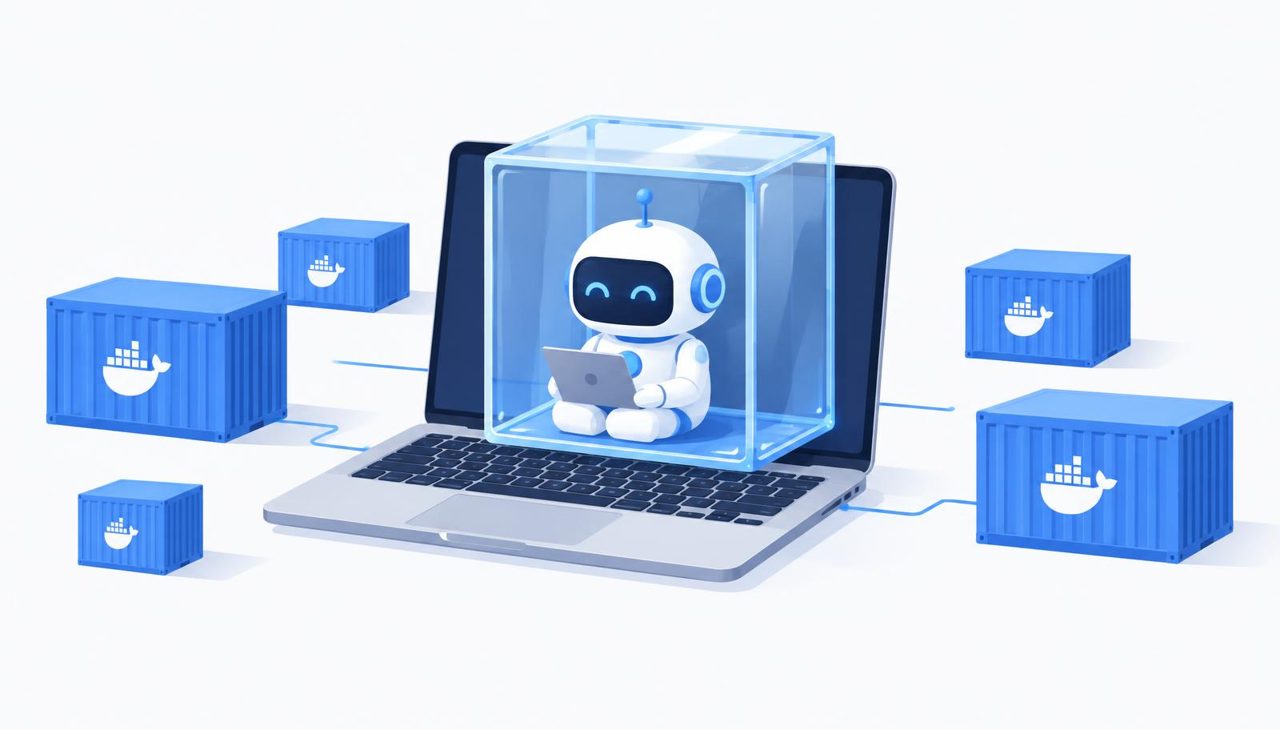
I used to click "approve" on every agent prompt until I stopped reading them. That is when I realized the safer setup was not more prompts. It was a place where the worst case was already limited before the agent started.
In short: Docker Sandboxes (sbx) runs AI coding agents such as Claude Code inside a microVM with its own kernel, so the agent can work with full permissions without touching your real machine beyond the project folder. It launched in early 2026, does not require Docker Desktop, and is free to run locally. Cloud Sandboxes run the same setup on Docker's infrastructure so agents can keep working after you close your laptop.
Key takeaways
- Docker Sandboxes is a standalone product with its own CLI, sbx, and it does not require Docker Desktop.
- Local use is free. Cloud Sandboxes are billed per second, starting at $0.07 per hour on Micro.
- Each sandbox is a microVM with its own kernel. A regular container shares the host kernel.
- Network traffic goes through a proxy on the host, and the agent cannot change the policy.
- API keys are injected by the proxy, so the agent uses them without ever seeing the real value.
- Kit Specification version 3 was published on September 24 under Apache 2.0, and Kits are standard OCI images.
Why does an AI coding agent need a cage?
An agent needs a cage because YOLO mode gives it your real permissions on your real machine. By default, Claude Code and similar agents ask for approval before significant actions like editing a file, running a command, or installing a package. That is safe, but it gets tiring, and after about ten minutes most people click approve without reading.
To stop the prompts, you can use this flag in Claude Code:
claude --dangerously-skip-permissionsThe community calls this YOLO mode, short for "You Only Live Once." The agent stops asking and just acts. Work moves many times faster, and the agent can work on its own for hours.
The problem is that in YOLO mode the agent runs with your permissions on your real computer. It can:
- Delete an entire folder because of a wrong command. An rm on the wrong path happens more often than you would think.
- Read a .env file with API keys, GitHub tokens, and database credentials.
- Send data out to a server you did not intend to contact.
- Run an install script from the internet that someone planted on purpose to target agents. This is prompt injection through content, and it is a real, documented threat.
- Install malicious npm or pip packages that look harmless.
The agent does not need bad intent for any of this. It is trying to finish a task, and if the shortest path goes through something dangerous, it may take that path. Docker describes it well: an agent is a probabilistic actor. It decides what to do next and then does it to your files, your network, your keys, and your cloud account.
I do not think the answer is to give up YOLO mode. The answer is to run YOLO mode in a place where the maximum possible damage is limited in advance. That place is the cage.
Why isn't a regular container enough?
A regular container is not enough because it shares the kernel with the host, and that is the same kernel the agent may probe. Containers were not designed for the level of isolation AI agents need, according to Docker's president, Mark Cavage, in the launch announcement.
Here is the short technical version. A container shares the operating system kernel with the host machine. It uses namespaces and cgroups to give a process its own view of the file system, network, and processes. That works well for software that runs, does its job, and touches only what it was given.
An agent is not that kind of software. It experiments. It might install a package that needs root, open a port nobody planned for, or try the next thing when something is blocked. The container boundary is the same kernel the agent is exploring.
In one line: a container packages apps, and a sandbox contains agents.
What is Docker Sandboxes and how does it work?
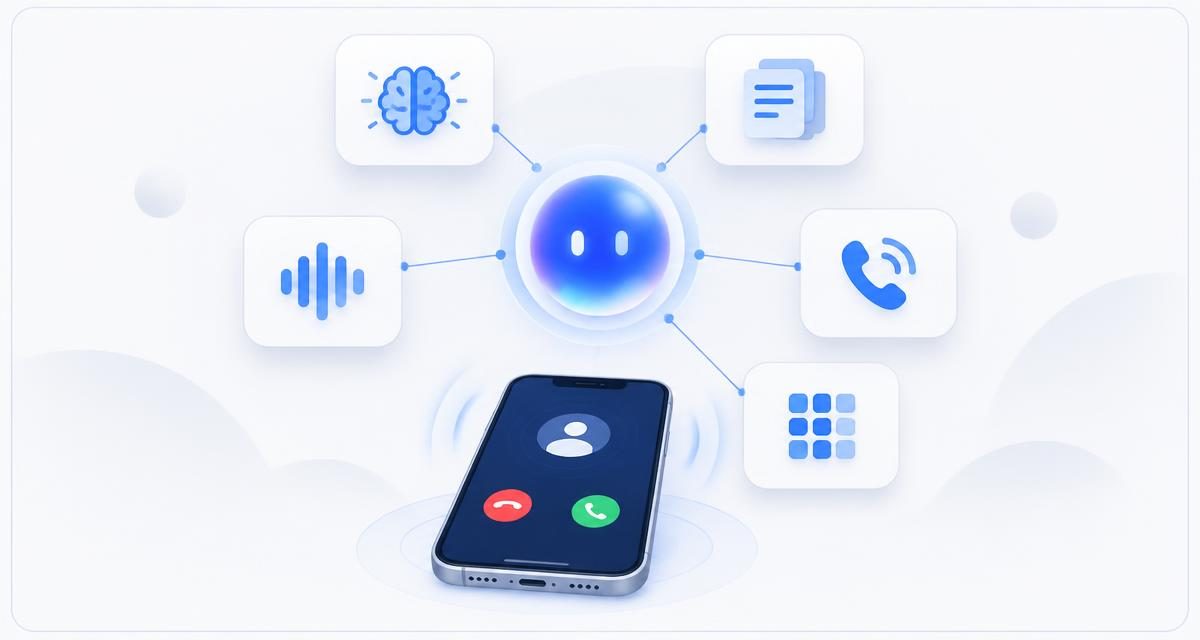
Docker Sandboxes is a standalone Docker product that runs an agent in a microVM, a small virtual machine with its own kernel. It launched in early 2026, uses its own CLI called sbx, and is free to run locally without Docker Desktop.
When you run this command:
sbx run claudefour things happen:
- Docker starts a microVM with its own kernel. The first run takes longer because the machine has to boot. After that, it is fast.
- The current project folder is mounted into the machine as a workspace. It is the only folder from your computer that the agent can see.
- The machine gets its own private Docker daemon. The agent can run docker build or docker compose up inside it without touching your computer's Docker and without you exposing the docker socket.
- All HTTP and HTTPS traffic from the machine goes through a proxy on the host. The proxy enforces your network policy and injects API keys into requests, so the agent uses a key without seeing it.
The architecture looks like this:
Your computer
├── Host Docker daemon            (your stuff, not touched)
├── Outbound HTTP proxy           (enforces network policy, injects secrets)
└── microVM (the cage)
    ├── Its own kernel
    ├── Private Docker daemon     (the agent builds here)
    ├── /workspace                (project folder only)
    └── The agent in YOLO mode
Two details follow from this design:
- The agent does not receive your user-level settings from your computer, such as the ~/.claude folder. If you have a global CLAUDE.md, copy it into the project.
- The sbx CLI does not exist inside the sandbox, and the agent has no path to the daemon. That means the agent cannot expand its own network policy, even if you ask it to.
Sandboxes do not appear in docker ps because they are virtual machines, not containers. You can see them with sbx ls or in the dashboard.
How do you install Docker Sandboxes in about ten minutes?
You install sbx with a package manager on macOS, Windows, or Linux, then sign in with your Docker ID. You need a Docker account, which is free, and you do not need Docker Desktop.
Follow these steps:
- Make sure you have a Docker ID. It is free. You also need macOS, Windows, or Linux.
- Install sbx for your system using one of the commands below.
- Sign in with your Docker ID.
- Choose a default network policy on the first run.
- Check that the install works.
macOS:
brew install docker/tap/sbxIf Homebrew complains about an untrusted tap, run this instead:
brew trust docker/tap && brew install docker/tap/sbxWindows:
winget install -h Docker.sbxOrganizations also have a managed MSI for central installation.
Linux:
curl -fsSL https://get.docker.com/sbx | shSign in:
sbx loginThis opens a browser for sign-in with your Docker ID. The sandboxes you create are tied to your identity.
Choose a default network policy:
On the first run, the daemon asks you to choose a default network policy:
Choose a default network policy:
  Open         - All network traffic allowed, no restrictions.
  Locked Down  - All network traffic blocked unless you allow it.
My recommendation is Locked Down. You can always open specific domains later with sbx policy allow. If you want an easy start, choose Open and tighten it later.
Check the install:
sbx version
sbx ls
How do you run Claude Code inside the cage?
You run Claude Code inside the cage by going to your project folder and running sbx run claude. That creates a sandbox named after the current folder and starts Claude Code in it.
cd ~/my-project
sbx run claude
The sandbox uses the docker/sandbox-templates:claude-code image and starts Claude with the dangerously skip permissions flag automatically. Yes, YOLO mode is the default inside the cage, and that is the whole idea.
You can also point to a different folder:
sbx run claude ~/my-projectConnect Claude. You have two options:
- Option A: Use an Anthropic API key and save it once as a global secret:
sbx secret set -g anthropic- Option B: Use a Claude subscription, either Pro or Max. If you do not have an API key, Claude Code asks you to sign in. Run this inside the session:
/loginThat opens a browser. You do this once for each sandbox.
Run with a ready prompt. Anything after two dashes goes straight to Claude Code:
sbx run claude --name my-sandbox -- "Add error handling to the login function"To continue a previous conversation:
sbx run claude --name my-sandbox -- --continueCreate without running. If you want to prepare a sandbox and run it later:
sbx create --name=quickstart claude .
sbx ls
sbx run quickstart
Use the dashboard. Run sbx with no arguments:
sbxThis opens a terminal UI that shows all running sandboxes, the resources they use, the network requests they make in real time, and the global network rules. Tab switches between the sandbox panel and the network panel. Enter connects you to the agent's session.
What happens when the agent finishes? The sandbox stays around after Claude Code exits. Anything the agent changed in the project folder is on your machine, because the folder is mounted directly. Packages it installed, images it built, and the session history stay inside the sandbox until you delete it.
What are the most important sbx commands?
The most important sbx commands cover running, creating, listing, stopping, deleting, and managing policy, secrets, and MCP servers. Run sbx settings to change CLI settings.
| Command | What it does |
|---|---|
| sbx run AGENT [PATH] | Creates and runs a sandbox with an agent |
| sbx create AGENT [PATH] | Creates a sandbox without running it |
| sbx ls | Lists sandboxes |
| sbx exec NAME CMD | Runs a command inside a sandbox, useful for debugging |
| sbx stop NAME | Stops a sandbox without deleting it |
| sbx rm NAME | Deletes a sandbox, including its secrets |
| sbx reset | Deletes all sandboxes and clears state |
| sbx save NAME | Saves a sandbox snapshot as a template |
| sbx ports | Manages port publishing |
| sbx policy | Manages network policy |
| sbx secret | Manages secrets and keys |
| sbx mcp | Registers MCP servers for reuse |
| sbx skills import | Imports skills from agents on your machine |
| sbx setup ssh | Enables SSH access to sandboxes |
| sbx move NAME --to cloud | Moves a sandbox between your computer and the cloud |
| sbx --cloud run AGENT | Runs in the cloud instead of locally |
| sbx settings | CLI settings |
The supported agents include, as of now, Claude Code, Codex, GitHub Copilot, Cursor, OpenCode, Hermes, Antigravity, Docker Agent, and more. The list is updated, and you can add your own agent through a Kit.
How does network policy control what the agent can reach?
Network policy decides which domains the agent can reach, and it is the most important part of the cage. A sandbox that can talk to the whole internet is a cage with the door open.
Global rules:
# Allow one domain for all sandboxes
sbx policy allow network api.example.com

# Several domains
sbx policy allow network "api.example.com,cdn.example.com"

# All subdomains
sbx policy allow network "*.npmjs.org"

# Block a domain
sbx policy deny network ads.example.com

# Open everything (not recommended)
sbx policy allow network "**"
Rules for one sandbox:
sbx policy allow network --sandbox my-sandbox api.example.comYou can also set block rules at creation time:
sbx run claude --deny-network evil.example.comSee what is happening:
# All active rules
sbx policy ls

# Rules for one sandbox
sbx policy ls my-sandbox

# Log: which domains the agent tried to reach and which rule matched
sbx policy log
sbx policy log my-sandbox --limit 50
The policy log also shows blocked attempts, including HTTPS connections that the client canceled in the middle of the TLS handshake. It is one of the best tools for understanding what the agent is really trying to do.
What about UDP? Docker Sandboxes always blocks direct outbound UDP and ICMP. Network rules apply only to TCP. If the agent needs DNS, it is handled through the proxy.
The core idea. The agent cannot change the rules. The CLI does not exist inside the sandbox, and the proxy sits on the host side. Even if you tell the agent to run sbx policy allow, it has no way to do it. This is the difference between a permission the agent is given and a permission the agent takes.
How do secrets and API keys stay hidden from the agent?
Secrets stay hidden because the agent only sees a placeholder, and the proxy swaps in the real key only for an allowed domain. This is the feature that impressed me most.
Built-in services:
sbx secret lsThis shows built-in services, including:
| Service | Environment variable | Domain |
|---|---|---|
| anthropic | ANTHROPIC_API_KEY | api.anthropic.com |
| openai | OPENAI_API_KEY | api.openai.com |
| github | GH_TOKEN, GITHUB_TOKEN | api.github.com, github.com |
| GEMINI_API_KEY | generativelanguage.googleapis.com | |
| groq | GROQ_API_KEY | api.groq.com |
| mistral | MISTRAL_API_KEY | api.mistral.ai |
| xai | XAI_API_KEY | api.x.ai |
Save globally:
sbx secret set -g anthropic
sbx secret set -g github
A custom secret:
sbx secret set-custom --host api.myservice.com --env MY_API_KEY --value "sk-..."Or without showing the value in the terminal:
echo "$MY_TOKEN" | sbx secret set-custom -g --host api.myservice.com --env MY_API_KEYHow it works. Inside the sandbox, the agent sees only a placeholder, which is a fake value in an environment variable. When the agent sends a request to an allowed domain, the proxy replaces the placeholder with the real key. If the agent tries to send the key to a different domain, it sends the placeholder with no value.
This means a prompt injection cannot steal a key the agent never held. When you delete a sandbox, its scoped secrets are deleted with it.
In recent versions, linking a secret to a new domain requires explicit approval, and the default is to refuse. The CLI also states clearly when an API key is about to be sent to a new domain.
What advanced features does Docker Sandboxes include?
Advanced features include Docker inside the sandbox, port publishing, parallel agents, an MCP gateway, skill imports, SSH access, and local models. Each one is optional, and you can use the basic setup without any of them.
Docker inside Docker. Each sandbox has its own Docker Engine. The agent can run docker compose up to start a database and backend, run tests, and tear them down without touching your Docker.
Publishing ports.
sbx run claude -p 3000:3000
sbx ports ls
This lets you open an app the agent started inside the cage in your computer's browser.
Debugging with exec.
sbx exec my-sandbox ls -la /workspace
sbx exec my-sandbox cat /workspace/package.json
Several agents on the same repo. Create several sandboxes with different names, each on a different branch of the project, and run them in parallel. Each agent is fully isolated from the others.
MCP Gateway.
sbx mcp add ...You register an MCP server once, whether remote or local, and it becomes available to all agents in all sandboxes through a built-in gateway. There are also dynamic MCP tools, mcp-find and mcp-add, that let the agent search for and connect registered servers itself.
Skill imports.
sbx skills importThis finds skills installed on your machine for Claude Code or other agents and adds them to a shared store connected to all new sandboxes. Sk
Questions people ask
Do I need Docker Desktop to use Docker Sandboxes?
No. sbx is a standalone tool that does not require Docker Desktop. The older docker sandbox command that was built into Docker Desktop has been deprecated and replaced by sbx.
How much do Docker Sandboxes cost?
Running sandboxes locally is free. Cloud Sandboxes are billed by the second, starting at $0.07 per hour on Micro, and new accounts get $250 in cloud credit for a limited time. Model tokens are billed separately by your provider.
Why isn't a regular container enough to run an AI coding agent?
A container shares the host's kernel, and an agent that tries things can push against that boundary. A Docker Sandbox is a microVM with its own kernel, so you can give the agent root access inside it and the damage stops at the sandbox boundary.
How does a sandbox use my API key without the agent seeing it?
Inside the sandbox, the agent only sees a placeholder value in its environment variable. When it sends a request to an allowed domain, the proxy on the host swaps the placeholder for the real key. If the agent tries to send the key to a different domain, it sends the meaningless placeholder instead.
Can an agent inside a sandbox change its own network rules?
No. The sbx CLI does not exist inside the sandbox, and the proxy runs on the host side. Even if you tell the agent to run sbx policy allow, it has no way to do it.