OpenMausBot: Free Open Source AI Agent Team Guide
Learn what OpenMausBot does, how to install it on macOS, Windows, or Ubuntu 24.04, what it costs, and seven practical ways to put its bots to work.


I read through a lot of AI agent products in 2026, and most of them share one problem. In the span of seven weeks, four closed personal agent products launched: Grok Bot from xAI, Muse from Meta, dots from OpenAI, and Cue from Manus. In each one, the model, the computer, and your data sit on the company's side. A developer named Milind Soni decided that did not have to be the case, and released an open version of the same idea in August 2026.
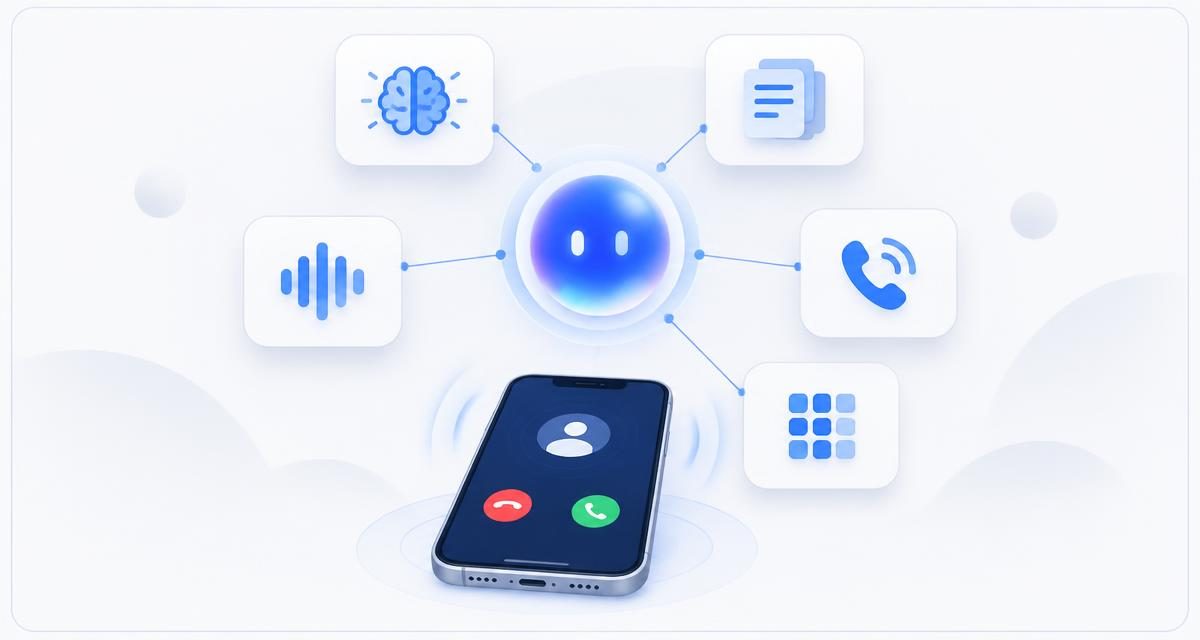
In short: OpenMausBot is a free, open source chat app under the Apache 2.0 license. Every contact in it is an AI agent with its own personality, memory, model, and computer, and the bots run through Claude, Codex, or Grok tools you already have. It runs on macOS, Windows, and Ubuntu 24.04, and it is the open alternative to Grok Bot from xAI.
Key takeaways
- OpenMausBot is free and open source under Apache 2.0, except for one folder named enterprise, which has its own license.
- Each bot runs through the claude, codex, or grok CLI you already have installed and signed in to.
- As of November 18, 2026, the project has more than 25,000 stars and more than 3,500 forks on GitHub.
- You can install it with npm install -g openmausbot on a machine with Node 24 or newer.
- Desktop control is available on macOS and Windows, and on Ubuntu with Xorg in beta. It is still off on Ubuntu with Wayland.
- Any bot can be given a computer, and you can watch its screen in real time and take control.
What is OpenMausBot and who is it for?
OpenMausBot is a chat app where each contact is a bot that does a job for you. It works best for people who already pay for Claude or ChatGPT and want more out of that subscription than a chat window. That includes small business owners, content creators, managers, and developers.
Think of WhatsApp. You have a list of contacts on the side and a chat open in the middle. The difference is that every contact is a bot. One manages your email, one does research, and one writes code. You write to it the way you would write to a person, and it does the work.
The project is independent. It has no official connection to xAI, Meta, OpenAI, or Manus. It was previously called OpenGrokBot, and it is also known as MausBot. The license is Apache 2.0, except for one folder named enterprise, whose code is visible but which has a separate license.
What can OpenMausBot do?
OpenMausBot gives each bot its own model, computer, channel, and schedule, and it connects to hundreds of apps. Each feature below is part of the same chat app. You can use them one at a time or together.
Model for each bot
The bots run through the local claude, codex, and grok CLI tools, using the sign-in you already have. You can give each bot a different model, and you can switch the model in the middle of a conversation. If you want, you can also connect other providers like OpenRouter, or any endpoint that is compatible with OpenAI, through a settings file.
A computer for each bot
This is the part that makes a bot different from a chat. Any bot can be given a computer to work on. You can see its screen in real time, and you can take control. There are three options:
| Where the bot works | What it is | Who it's for | Cost |
|---|---|---|---|
| Linux computer in the cloud | A cloud desktop through Boat, the project's sponsor | People who don't want the bot touching their own machine | Paid after a trial period |
| Local virtual machine | An isolated machine that runs on your computer | A good default for beginners | Free |
| Your own computer | The bot controls your real machine, but only after explicit approval | Experienced users on macOS, Windows, or Ubuntu with Xorg (beta) | Free |
Desktop control is still off on Ubuntu with Wayland until an open security issue is fixed.
The bot asks before it acts
Terminal commands, file edits, and questions appear as cards in the chat. You approve or reject each one. This works the same way on a cloud computer and on a local computer.
Hundreds of connected apps
Apps connect through Composio, including Gmail, Slack, GitHub, Notion, Linear, and hundreds more. You connect each app once, and every bot can use it as a tool. According to the project, that is more than 500 apps.
Channels
You can keep work in one channel, personal life in another, and each project in its own channel. Each channel has its own conversation, its own instructions, its own working folder, and its own team of bots.
Automatic routing
If you send a message in a channel without tagging a bot, the system can pick the right bot for you. To do this, you set up a fast decision model, such as Cloudflare Workers AI, Jev, or OpenRouter. If the system is not sure which bot should answer, the message goes to the channel's lead bot.
Schedules and triggers
You can tell a bot something like "every weekday at nine, send me a summary of my inbox," and it sets up the schedule itself. A schedule can run once, on chosen days of the week, or every 5 to 1,440 minutes. There are also webhook triggers, for example when someone fills out a form on your website. You can also trigger on events from a connected app, such as a new email from a specific client.
Voice
Bots can read answers out loud, and you can call them. Voices come from ElevenLabs, Fish Audio, Grok, the built-in Mac voices, or a local Chatterbox server. Cloud voices need an API key from the provider.
A full team in one file
You can export a whole team of bots as one Markdown file and share it. The person who receives it sees a review screen and installs it with one click. The file does not include passwords, conversations, permissions, or memory. Connections stay off until someone approves them, and schedules arrive paused.
Does OpenMausBot cost anything?
The app itself is free. The costs come from what you already use and from optional outside services. You pay for your model subscription, and if you choose the cloud computer from Boat, you pay for it after the trial period. The local virtual machine and your own computer are free.
Composio and Boat are outside services with their own accounts and terms. Your model provider also has its own usage limits and terms, so check your subscription before you run scheduled bots on it.
How do you install OpenMausBot?
You need a computer running macOS, Windows, or Ubuntu 24.04, and at least one of the claude, codex, or grok tools installed and signed in to your account. The Ubuntu version is still in beta.
The quickest way is to download the app. You can get it from the releases page on GitHub or from the official site, mausbot.com. The macOS version is signed and approved by Apple, and there are separate builds for Apple Silicon and Intel chips.
If you prefer the terminal, you need Node 24 or newer:
npm install -g openmausbot
openmausbot
You can also run it without a permanent install:
npx openmausbotOn the first run, a short setup wizard opens. It walks you through these steps:
- Choose how you want to access AI.
- Sign in.
- Pick a model.
- Optionally, connect a phone.
The Windows installer is not digitally signed, so you will see a warning the first time you run it. Download it only from the official page.
What are five things you can build today?
Each of these uses one or more bots with clear jobs. You can set them up in the chat with plain language.
1. An email manager
Connect a bot to Gmail, and have it send you a summary every morning at nine. The summary covers what is urgent, what is waiting for a reply, and what you can archive. Draft replies wait for your approval.
2. A researcher with its own computer
Give the bot a cloud computer or a virtual machine and ask it something like: "Find me the AI tools that came up on GitHub this week." It browses, reads, and returns an organized list. You can watch its screen while it works.
3. A content team
Set up one channel with three bots: a topic researcher, a script writer, and an editor. You post an idea in the channel, and automatic routing passes each step to the right bot.
4. A personal chief of staff
One bot can read your calendar, email, and tasks, and open your day with one sentence: the three things that need you today. In the work channel it talks about work, and in the personal channel it talks about home.
5. A fast lead responder
A webhook trigger picks up a form on your website, and a bot drafts a first reply to each inquiry. One thing to know: right now, this trigger works with a local receiver. That means OpenMausBot has to be running and your computer has to be on.
How do you build agents on top of OpenMausBot?
There are two ways to use OpenMausBot as the base for your own agent systems: through its MCP server, or through the command line with no screen. Both let another system manage your bots.
6. One lead agent over the team, through MCP
OpenMausBot includes a built-in MCP server. You connect it to Claude Desktop or Cursor, and your main agent can see the bots and channels, read conversations, create bots and tasks, send work, wait for it to finish, and switch models. On purpose, it has no access to approvals, deletion, passwords, or computer management. This lets you build a manager agent that divides work across a team without handing it the keys. The full details are in the MCP server documentation.
7. A team that runs from a script, with no screen
The openmausbot command starts a working environment without an interface. You define a team in a file, give one bot a task, wait for it and everyone it asked for help to finish, and export the results:
openmausbot team apply team.yaml
openmausbot run "Room Lead" "Rehearse the launch of https://example.com" --export ./out
With the json flag, you get one document that a script can read, and exit codes you can branch on. This lets you add a bot team to an existing process, such as a pre-launch check that runs automatically.
Can you run OpenMausBot on a server that is always on?
Yes. The command npx openmausbot serve runs the system on a private server or on a computer that stays on. It prints a pairing link that you paste into the app. Outside access can go through cloudflared, Caddy, or nginx, through your own domain, through Tailscale, only on your home network, or through a free MausBot internet address after you sign in to an account. The system runs live CLI processes, so it needs a real server or computer, and Cloudflare is used as a secure tunnel. You can find the setup details in the self-hosting documentation.
What should you know before you start?
Here are the limits and risks I would check first:
- The project is young. Its creators say there are rough edges, and that the hosted connection and phone access are still being built.
- The software is free, but using models is subject to your provider's limits and terms. Check your subscription before you run scheduled bots on it.
- Composio and Boat are outside services with their own accounts and terms. The cloud computer is paid after a trial period. The local virtual machine is free.
- The Windows installer is not digitally signed, so expect a warning on the first run. Download only from the official page.
- In the terminal and server versions, API keys are stored as plain text in a settings file. In the desktop app, provider and service keys are encrypted through the operating system. Some keys, such as MCP server headers, are still stored as plain text in the file.
- Do not give a bot control of your real computer until you have used it for a few days in a virtual machine.
Where does your data go?
By default, your data stays on your computer. A small server runs locally, and your conversations, keys, and events are saved in the ~/.openmausbot folder. Data leaves your computer only for services you choose to connect, such as your model provider, Composio, or the Boat cloud computer.
Bottom line
If you already have a Claude or ChatGPT subscription and a computer, you have what you need to start a bot team. Start with one bot and one clear task, watch it work, and add more only after that works. The GitHub repository has the README and official documentation, current as of November 2026.
Questions people ask
What is OpenMausBot?
OpenMausBot is a free, open source chat app where every contact is an AI agent with its own personality, memory, model, and computer. The bots run through the Claude, Codex, or Grok CLI tools you already have installed and signed in to. It is an open alternative to Grok Bot from xAI.
Is OpenMausBot free?
Yes. The software is free under the Apache 2.0 license, except for one folder named enterprise, which has a separate license. You still pay for what you already use, such as your model subscription, and for optional outside services like the Boat cloud computer, which has a trial period before it becomes paid.
Can OpenMausBot control my computer?
Only if you approve it. Computer control is available on macOS and Windows, and on Ubuntu with Xorg in beta, but it is still off on Ubuntu with Wayland. Terminal commands, file edits, and questions show up as approval cards in the chat, and you can accept or reject each one.
How do I install OpenMausBot?
Download the app from the GitHub releases page or from mausbot.com, or install it from a terminal with npm install -g openmausbot if you have Node 24 or newer. You also need at least one of the claude, codex, or grok tools installed and signed in to your account. The first run opens a short setup wizard.
Does my data stay on my computer?
By default, yes. A small server runs on your computer, and your chats, keys, and events are stored in the ~/.openmausbot folder. Data only leaves your computer for services you choose to connect, such as your model provider, Composio, or the Boat cloud computer.