Run Open Models Cheaply: Local, RunPod and API
Compare six ways to run open AI models cheaply: your PC, GPU rentals, RunPod, serverless, token APIs and big clouds, with October 2026 prices.

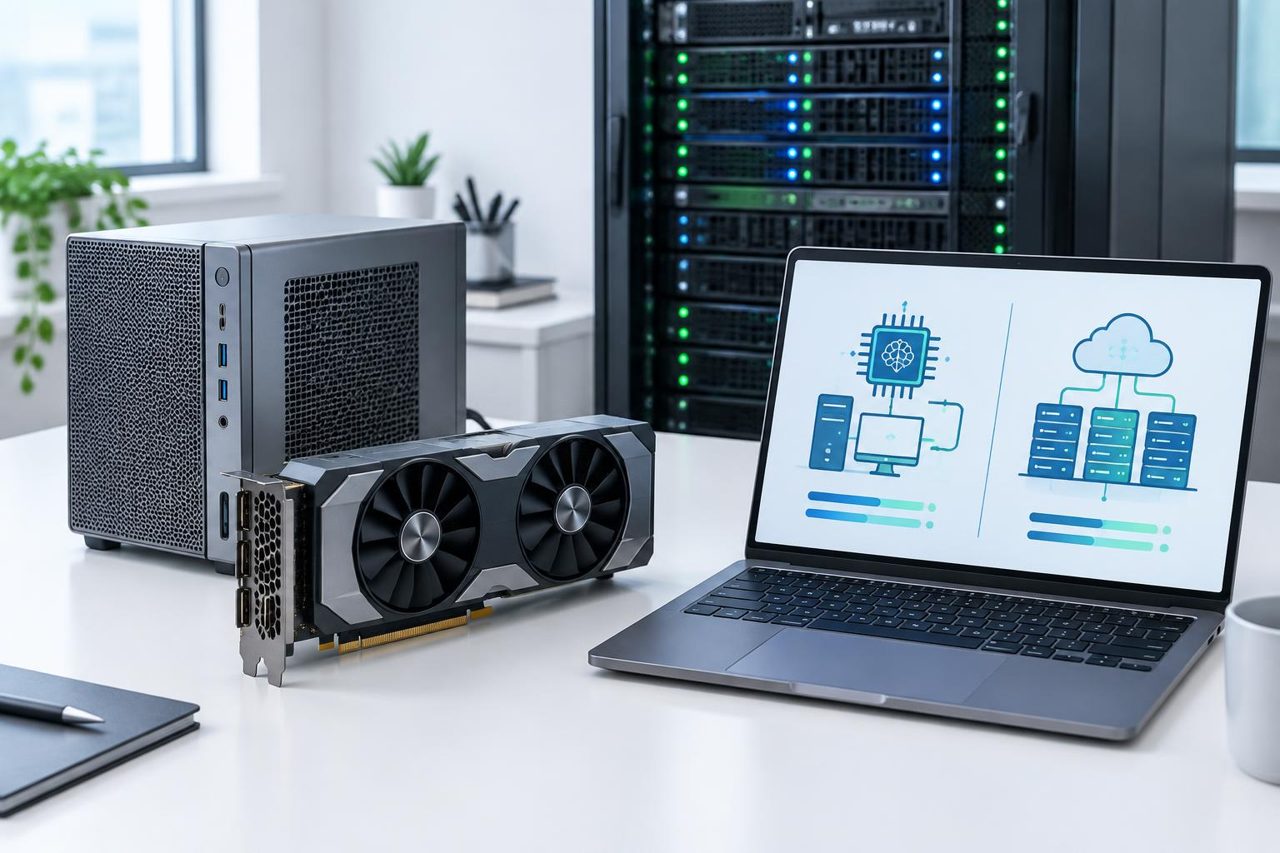
Many people pay for closed AI models every month without checking whether an open model could do the same job for less. I wanted a clear map of the options. This guide covers six common ways to run open models, from your own computer to the big clouds, with prices as of October 2026 and the traps in each one.
In short: There are six common ways to run open models: your own computer, GPU marketplaces, a dedicated GPU cloud like RunPod, serverless GPUs, token-priced APIs, and the big cloud providers. For small or changing use, a token API is usually the best place to start. Heavy daily use is where renting a GPU starts to make sense, and the break-even point depends on how well you keep that GPU busy.
Key takeaways
- Rule of thumb: small use means a token API. Heavy daily use means renting a GPU.
- A Q4 model needs about 0.5 GB of VRAM per billion parameters, plus extra room. An 8-bit model needs double that.
- Ollama's default context is 4K when there is less than 24GiB of VRAM. Set OLLAMA_CONTEXT_LENGTH before you start the server.
- In October 2026, RunPod listed H100 SXM at 3.99 per hour in Secure and 2.69 per hour in Community.
- For one comparison, RunPod Secure at full utilization came to 0.69 per million tokens, against 0.88 for the Together API. The break-even point was about 79 percent utilization.
- The RunPod Serverless default is zero active workers with a 5-second idle time, according to one check from October 15, 2026.
What are the six ways to run an open model?
There are six common paths: your own computer, GPU marketplaces, a dedicated GPU cloud, serverless GPU hosting, token-priced APIs, and the hyperscale clouds. Each one trades cost against effort, privacy, and how much control you get. The table below shows where each path fits best.
| Path | Who it is for | Typical cost | Effort | Best fit |
|---|---|---|---|---|
| 1. Your own computer | Ollama, LM Studio, llama.cpp, Mac Studio | Zero after buying the hardware | Low | Privacy, experiments, models up to about 30B |
| 2. GPU marketplace | Vast.ai, Salad | H100 from about 1.7 dollars per hour, 4090 from about 0.13 to 0.5 | Medium | Experiments, fine-tuning, jobs you can stop and resume |
| 3. Dedicated GPU cloud | RunPod, Lambda, Thunder Compute, Hostinger GPU | H100 about 2 to 4 dollars per hour | Medium | Daily work, your own model server |
| 4. Serverless | RunPod Serverless, Modal, Baseten, Replicate, Koyeb | Pay per second of run time | Medium | Irregular traffic, paying only when requests come in |
| 5. Token API | Together, Fireworks, DeepInfra, Groq, Cerebras, OpenRouter | About 0.15 to 4.5 dollars per million tokens, depending on the model | Very low | Most cases, especially very large models |
| 6. Hyperscale clouds | AWS, Google Cloud, Azure, Oracle | H100 about 6 to 11 dollars per hour | High | Compliance needs, credits, or existing infrastructure |
My rule of thumb is simple. Small use goes to a token API. Heavy daily use means renting a GPU. Later in this guide I walk through the math behind that rule.
What core terms do you need to know?
The core terms are open weights, total and active parameters, VRAM, quantization, context length, vLLM, GGUF, OpenAI-compatible APIs, cold start, and egress. Knowing them makes the pricing pages much easier to read.
- Open model (open weights): The model weights can be downloaded, run, and fine-tuned on your own machine. The training data is usually not open. The license decides what you may do. Some licenses are MIT or Apache, while others are restrictive, such as requiring a separate agreement if you run the model as a service above a certain revenue level.
- Total and active parameters: Mixture-of-experts (MoE) models hold many parameters but use only some of them for each token. Total parameters determine how much memory is needed to load the model. Active parameters determine how fast it runs. For example, Kimi K3 is listed at about 2.8 trillion total parameters. The active parameter count was not verified in the official page I checked.
- VRAM: This is the memory on your graphics card. The weights must fit in it, with room left for the KV cache, which grows with context length.
- Quantization: This compresses the weights to lower precision to save memory. 4-bit may be a useful balance between memory and quality, but the effect depends on the model and the task. Test quality on real input before you rely on it.
- Context: This is how many tokens the model can see at once. Longer context uses more memory and slows things down. Local defaults are sometimes very low, which I cover in the local section.
- vLLM: A serving engine for handling many requests at the same time. It uses continuous batching and PagedAttention. It is the engine behind most of RunPod's Serverless offering.
- GGUF: The file format used by llama.cpp, designed for local running at different compression levels.
- OpenAI-compatible API: Almost every provider and engine offers an address that behaves like the OpenAI API. In practice you change the base address and the key, and the same code keeps working. That is why you can move between paths without rewriting your app.
- Cold start: The time needed to start a worker from zero and load the model. On RunPod Serverless it usually falls between 20 and 60 seconds, and you pay for that time too.
- Egress: The cost of moving data out of the cloud. It varies by provider and region. RunPod says there are no egress fees for its Cloud GPUs service, but check the terms of the specific product before a large transfer.
Which open model should you run at the end of 2026?
Start with where the model will run, because that decides what is possible. The model table below comes from a review updated October 17, 2026, with data from October 6, plus Mac Studio reviews from September 2026.
|
Questions people ask
What is the cheapest way to start with open models?
For small or changing use, start with a token-priced API. Test three models on your real task, measure what you actually pay, and only then compare against a local setup or a rented GPU.
How much VRAM does a 4-bit model need?
A rule of thumb is about half a gigabyte per billion parameters for a Q4 model, plus extra room. An 8-bit model needs about double that. Leave room for the system, the KV cache, and your context length.
What is the difference between a RunPod Pod and Serverless?
A Pod is a machine you rent by time. Serverless starts workers based on incoming requests. Loading time, waiting time, and active workers may also be billed, depending on the product terms.
Does an open model mean it is free to run?
No. Open weights do not remove hardware, electricity, or cloud costs. The license for the exact version decides what you can do with it commercially.
Can I expose Ollama or vLLM to the internet?
Not without authentication and proper protections. Use a private network or a secure gateway, limit permissions, and keep keys in environment variables instead of code.