book-to-skill: Turn Any Technical Book Into a Claude Skill
Learn how book-to-skill turns a technical book into a Claude Code skill with one command. Covers install steps, supported formats, costs, and limits.

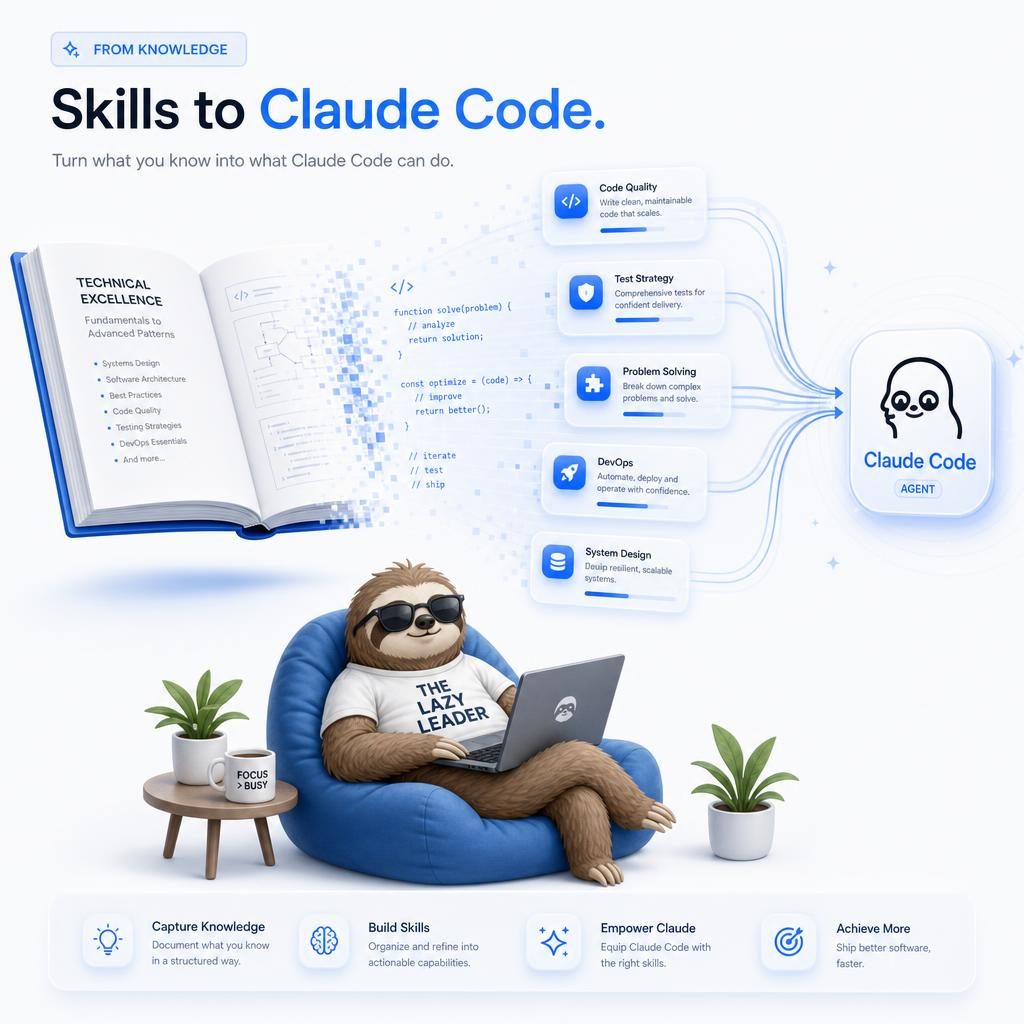
I bought an excellent technical book. I read it once. Three months later, I could not remember that chapter 7 even existed, and when I asked my agent about the book, it either made up an answer or said it did not have the content.
In short: book-to-skill is an open-source skill that turns a technical book, a docs folder, or a set of sources into a skill that Claude Code loads only when it needs it. According to the repo, it saves 24 to 51 times more tokens than pasting the whole book into a chat. You install it with npx skills add virgiliojr94/book-to-skill and run /book-to-skill with a path to the file.
Key takeaways
- book-to-skill is an open-source skill that converts a technical book into a skill for Claude Code.
- According to the repo, it uses 24 to 51 times fewer tokens than loading the whole book into a conversation.
- The one-time conversion costs about $1 per full book when using Claude Sonnet.
- Each chapter is saved as its own file and loads only when a question needs it.
- The skill uses the SKILL.md format, so it works with several agents, including Claude Code, Copilot CLI, and Amp.
- The repo had more than 19,000 stars at the time of writing, with about 4,000 added in the last week. As of November 12, 2026, it had more than 37,000 stars.
What does book-to-skill do?
book-to-skill takes a PDF of a technical book and turns it into a full skill in your Claude Code skills folder. One command, /book-to-skill, runs the whole process. The same format also works with Copilot CLI and Amp.
This is not a summary. The tool distills the book into:
- Frameworks with their exact names. "5 Whys" stays "5 Whys," not "asking why several times."
- Decision rules, which are action principles that guide choices.
- Anti-patterns, which describe what not to do.
- A separate file for each chapter, loaded only when needed.
- A glossary, repeated patterns, and a cheatsheet.
When you ask a question, such as /my-book replication, the agent reads the relevant chapter and answers from the actual content of the book. It does not make things up.
What numbers should you know?
- 24 to 51 times fewer tokens than dropping the entire book into the context to answer one question. The repo measured this on real books.
- About $1 per book for the one-time conversion on Claude Sonnet.
- Chapter files load on demand. They do not count against the skill budget until you ask about that topic.
Can you use it on more than books?
Yes. The name says "book," but the input can be any structured text:
- Internal documentation. Convert a full docs folder, runbooks, architecture documents, or onboarding guides.
- A brand book. Instead of searching a 60-page PDF, your team asks the skill.
- Research. Combine a stack of papers and your own notes into one skill. It updates when new material arrives using Fold-in mode.
Which agents does it support?
According to the repo, the skill works with GitHub Copilot CLI, Amp, Claude Code, Codex, Hermes Agent, OpenCode, and OpenClaw. All of them read the same open SKILL.md format. That means one skill generated from one book can serve all of these agents.
If you want to add more skills and plugins to the same folder, look for other Claude plugins and skills that fit your work.
How do you install book-to-skill?
The simplest way is to clone the repo directly into your skills folder. Claude Code uses ~/.claude/skills/. Copilot CLI uses ~/.copilot/skills/. Amp and other cross-agent setups use ~/.agents/skills/.
- Choose the folder for your agent.
- Clone the repo into that folder.
- Start a new session. The
/book-to-skillcommand registers automatically.
For Claude Code, the clone command looks like this:
git clone https://github.com/virgiliojr94/book-to-skill.git ~/.claude/skills/book-to-skillFor Copilot CLI and Amp, use the same repo with the matching folder:
# Copilot CLI
# → ~/.copilot/skills/book-to-skill

# Amp / cross-agent
# → ~/.agents/skills/book-to-skill
How do you install it with one command?
The fastest way, according to the repo, is one npx command:
npx skills add virgiliojr94/book-to-skillIf you prefer a manual install for Claude Code, use the git clone command shown above.
How do you check your setup before converting?
Run the check script from inside the skill folder before your first conversion. It shows whether each format has a tool that can read it. If something is missing, it prints the exact install command.
python3 scripts/extract.py --checkHow do you convert a book and ask it questions?
Open a Claude Code session and run the command with a file path. You can also point it at a whole folder.
# A single book
/book-to-skill ~/Downloads/designing-data-intensive-applications.pdf

# A whole folder or several files
/book-to-skill ./docs/

# Then ask the skill
/designing-data-intensive-applications replication
/designing-data-intensive-applications ch05
If the skill already exists, the tool asks whether you want to update it (Fold-in, which adds new content to the existing skill), overwrite it, or create a new one with a different name.
How does it work under the hood?
The process has three steps:
- Text extraction. For regular books, it uses pdftotext, which is very fast. For technical books with tables and code, it uses Docling from IBM Research. Docling rebuilds tables and code blocks as Markdown, at about 1.5 seconds per page. In one test on a 103-page book, pdftotext finished in 0.1 seconds. Docling took about 164 seconds, but it recovered 48 tables and 36 code blocks.
- Structure analysis. Claude identifies the title, the author, the chapters, and the table of contents.
- Skill creation. The tool writes a summary of 800 to 1,200 tokens per chapter. For technical books, that count includes code examples and tables. It also creates a glossary, a patterns file, a cheatsheet, and a main SKILL.md file with the core mental models.
The tool also supports EPUB, DOCX, HTML, and more. If one file is a problem, it skips that file with a warning and keeps going with the rest.
Which file formats are supported?
For each format, the tool tries several extraction tools in order and uses the first one installed.
| Format | Extraction tool |
|---|---|
| pdftotext, pypdf, or pdfminer.six. For books with code, tables, and formulas, docling, which is slower at about 1.5 seconds per page | |
| EPUB | ebooklib with beautifulsoup4 |
| DOCX, HTML, and RTF | Supported, with a dedicated extraction tool for each format |
| MOBI, AZW, and AZW3 | Requires Calibre with ebook-convert |
| TXT, Markdown, reStructuredText, and AsciiDoc | Structured input, no dependencies |
What files does the conversion create?
The conversion creates a folder at ~/.agents/skills/<slug>/. It contains these files:
| File | What it contains | Approximate size |
|---|---|---|
| SKILL.md | Mental models and the chapter index | About 4,000 tokens |
| chapters/ch01-*.md | One file per chapter, loaded as needed | About 1,000 tokens each |
| glossary.md | Key terms | About 1,500 tokens |
| patterns.md | Techniques and patterns | About 2,000 tokens |
| cheatsheet.md | Decision tables | About 1,000 tokens |
The agent loads only SKILL.md at first. It opens a chapter only when your question needs that chapter. This is fixed knowledge from a book. If you want your agent to remember past conversations and your own projects, you need a memory layer such as EverOS, a persistent memory layer for AI agents.
Does chapter detection always work?
Automatic chapter detection needs clear headings in the form "Chapter N." Books that use only section headings, such as Pro Git, will not split into chapters automatically. The conversion still works, but you point the tool to the sections by hand.
What are the limits?
- Scanned PDFs. A scanned file with no text layer is not supported directly. Run OCR first:
ocrmypdf input.pdf output.pdfThen convert the output file.
- Rights. The MIT license covers the tool, not the books. Convert only books and documents that you have the right to use.
What are some ways to use it?
- An architecture book as an advisor. Convert an architecture book you trust, then ask the agent to check its plans against the book before any major system change.
- Internal team documentation. Convert your team's docs folder into a skill, so everyone who works with the agent follows the same rules. This is the same idea behind n8n-skills, which teach Claude Code to build workflows. The agent pulls organized knowledge exactly when it needs it.
- A brand style guide. Convert your brand style guide, and the agent writes to it. A skill can also change how the agent answers, for example by giving the answer first.
Bottom line
Technical books hold knowledge that took years to build, and most of the time they sit on a shelf. book-to-skill turns that knowledge into a working tool your agent can pull from in real time, for about $1 per book. You can find the repo here: https://github.com/virgiliojr94/book-to-skill
Questions people ask
Does book-to-skill only work with PDF books?
No. PDF has the best support, but the tool also accepts EPUB, DOCX, HTML, and plain text. A full docs folder or a merged research set also works.
How much does it cost to convert a book?
The one-time conversion costs about $1 per full book when using Claude Sonnet. There are no extra charges after the conversion is done.
What is Fold-in mode?
Fold-in adds new material to an existing skill instead of overwriting it. It is useful when a new part of a research project comes out or when a docs folder is updated.
Why does a scanned PDF fail to convert?
A scanned PDF with no text layer is not supported directly. You run OCR on it first with ocrmypdf input.pdf output.pdf, then convert the result.
Which agents can use a skill made with book-to-skill?
According to the repo, the skill works with GitHub Copilot CLI, Amp, Claude Code, Codex, Hermes Agent, OpenCode, and OpenClaw. All of them read the same SKILL.md format.