EverOS: Persistent Memory for Claude Code Agents
Install EverOS, an open source local memory layer for Claude Code and other AI agents. Set it up in about 5 minutes and keep context across sessions.

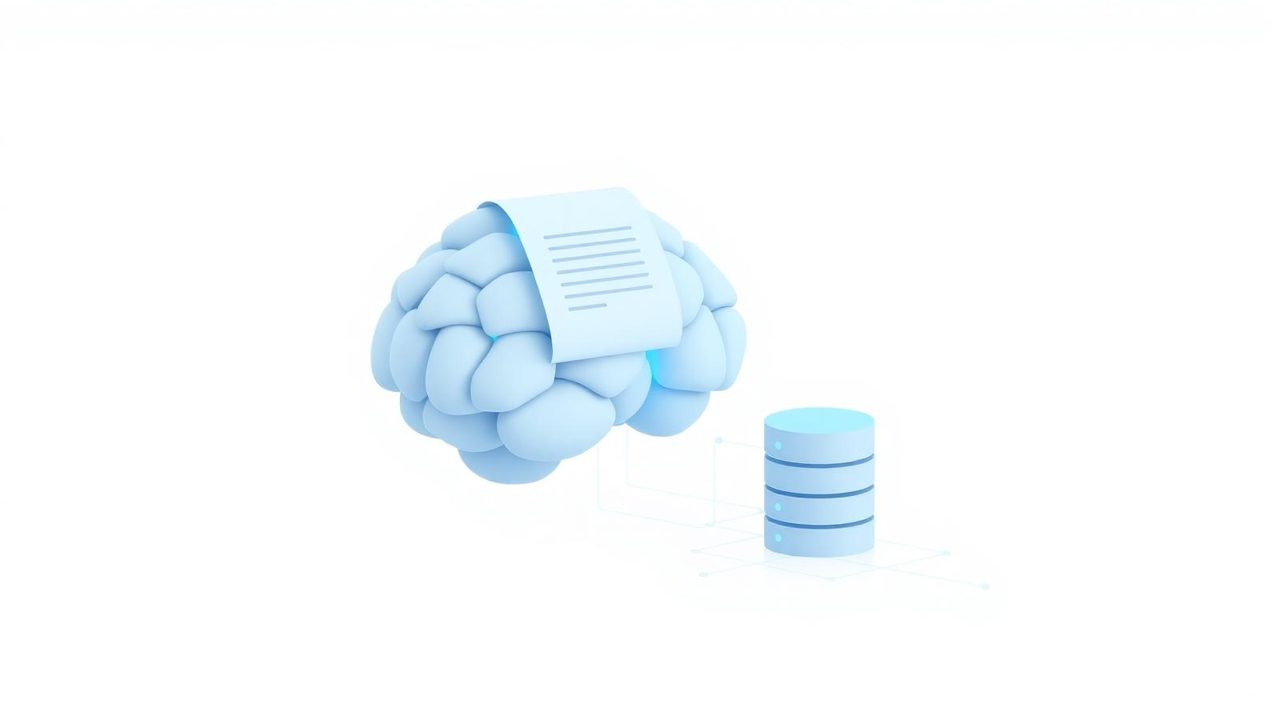
Does your AI agent start every morning from scratch? Every new session can feel like explaining your project all over again. In this guide, I install EverOS, an open source memory layer that gives Claude Code, Codex, and your other agents long-term memory that runs locally and stays under your control.
In short: EverOS is an open source, long-term memory layer for AI agents. You install it with three commands, try the built-in demo without API keys, then connect your keys and link it to Claude Code. The full setup takes about 5 minutes.
Key takeaways
- EverOS is one portable memory layer for all your agents, and it runs on your own computer.
- The install is three commands:
git clone,uv sync, andsource .venv/bin/activate. everos demo --plainlets you try the system without any API keys.everos initconnects OpenRouter and DeepInfra, which enables memory extraction and semantic search.- The Claude Code integration saves context at the end of a session and retrieves it at the start of the next one.
- Memories are stored as plain Markdown files you can read, edit, and back up.
What is EverOS and why does it matter?
EverOS is one portable memory layer for all your agents. Instead of every tool, such as Claude Code, Codex, or Cursor, starting each session from zero, the agent saves and recalls things automatically. That includes the decisions you made, how you like to work, and what you already tried and found did not work.
Three things make it different:
- Local-first. Everything runs on your computer. Nothing is uploaded to someone else's cloud.
- Markdown-native. Memories are stored as regular Markdown files. You can open, read, edit, or delete anything the agent remembers about you.
- Self-evolving. Memory updates and consolidates over time through a process called "Reflection," which merges similar episodes. The agent improves the more you work with it.
Under the hood, it uses Markdown, SQLite, and LanceDB, with semantic search and a REST API. The repo has almost 9,000 stars on GitHub and uses an open source license.
The REST API also lets you connect the memory to tools you build yourself.
What do you need before you start?
You need Python 3.10 or newer, the uv package manager, Git, and an API key for an LLM provider. The project works with OpenRouter, and you can also use DeepInfra for embeddings. A free OpenRouter key is enough to get started.
- Install Python 3.10+.
- Install uv, the fast Python package manager. If you don't have it, run:
curl -LsSf https://astral.sh/uv/install.sh | sh- Install Git.
- Get an API key for an LLM provider. OpenRouter is the main one, and DeepInfra is optional for embeddings.
How do you install EverOS?
Clone the repo, move into the folder, and run uv sync. Then activate the virtual environment. That is all it takes, and the environment is ready after those three commands.
Open a terminal and run:
git clone https://github.com/EverMind-AI/EverOS.git
cd EverOS
uv sync                      # creates a virtual environment and installs everything
source .venv/bin/activate    # or run commands with uv run
How do you try EverOS without API keys?
Run the built-in demo with everos demo --plain. You can try it before you configure anything. The demo runs fully locally, needs no API keys, and shows how memory is saved, retrieved, and updated.
everos demo --plainHow do you connect your API keys?
Run everos init. The command asks you to paste your keys for OpenRouter and DeepInfra into a .env file. After that, EverOS can handle memory extraction, semantic search, and Reflection.
- Run the init command:
everos init- Paste your OpenRouter and DeepInfra keys when prompted. They are saved to a
.envfile. - Check that everything is working:
everos --helpHow do you connect EverOS to Claude Code?
Connect EverOS to Claude Code with its dedicated integration. It saves and recalls context automatically, using information from earlier sessions.
The setup runs through the examples/plugins folder in the repo. Search for the Claude Code integration, which is described as persistent memory for Claude Code, and follow the README in that folder. The basic idea works like this:
- The plugin connects to Claude Code's hooks.
- At the end of each session, the important context is saved to memory automatically.
- At the start of a new session, the agent retrieves what is relevant and picks up where you left off.
Tip: After installing, start a new session and ask the agent, "What did we do in the previous session?" That is the moment it clicks.
The same idea works with Codex, OpenClaw, and Hermes. Each one has its own integration path in the repo.
Persistent memory pairs well with the /goal and /loop commands in Claude Code. An agent that works on its own in a loop benefits from remembering what it already tried and what failed.
Can you look inside the agent's memory?
Yes. Memories are saved as Markdown files in the EverOS data folder, and you can open them in any editor.
- Each episode, meaning a session or event, gets its own file.
- General knowledge is organized in Knowledge files with a taxonomy.
- You can edit the files by hand, and the agent will read the updated version.
This is a major advantage over cloud memory solutions. You can see exactly what is saved, and you can delete anything you don't want.
Where are the code, docs, and hosted version?
The full code is in the EverMind-AI/EverOS repo on GitHub at https://github.com/EverMind-AI/EverOS. The repo does not have an active Wiki. The documentation lives inside the repo: the README and QUICKSTART.md for the first steps, a docs folder for deeper explanations, and an examples folder with the integrations, including Claude Code.
If you don't want to run EverOS yourself, there is also a managed version called EverOS Cloud. It has an official Python package on PyPI named everos-cloud. With this version, memory is stored in EverMind's cloud, not on your computer, so you give up the local-first benefit.
Project website: https://evermind.ai
What are some advanced tips?
- Run Reflection regularly. Starting with version 1.1.0, Reflection orchestration merges clusters of similar episodes. Let it run, since this is what keeps memory clean instead of a pile of logs.
- Separate by dimension. The system supports retrieval by user_id, agent_id, app_id, project_id, and session_id. You can keep separate memory for each project or client.
- Back it up. The memory is just files. Add the memory folder to a private Git repo or your own cloud backup, and the memory moves with you between computers.
- Use one memory for several agents. If you run several models as one team inside Claude Code, a shared memory layer helps everyone work from the same context.
- Consider Mem0 for simple cases. If you only need a simple drop-in memory for an app in production, Mem0 is worth a look. If you want a full memory system that lives on your own machine and evolves, EverOS is the choice.
Does EverOS cost money?
The repo is open source and free. The only cost is the API calls to the model for memory extraction and embeddings. With OpenRouter, you can start with free models.
Is my data safe with EverOS?
Everything is stored locally on your computer. The text is still sent to a model for memory extraction, so use good judgment with sensitive information, as you would with any tool.
Does EverOS replace CLAUDE.md?
No. EverOS complements CLAUDE.md. CLAUDE.md holds your fixed instructions, and EverOS is dynamic memory built from your actual work.
| CLAUDE.md | EverOS | |
|---|---|---|
| Who writes it | You | Built from your work |
| Content | Fixed instructions | Dynamic memory |
| Saved at end of session | No | Yes, automatically |
| Retrieved at start of next session | No | Yes |
| Works across tools | No, a file you maintain | One layer for Claude Code, Codex, and others |
| Storage | Your file | Local Markdown files you can read and edit |
What is the difference between EverOS and Claude's built-in memory?
CLAUDE.md is a fixed instruction file that you write yourself. EverOS is memory that grows from the work itself. It saves context automatically at the end of a session, retrieves it at the start of the next one, and consolidates it over time.
It is also one layer for all your agents, including Claude Code and Codex. It is stored locally as Markdown files you can read and edit, and it is not locked to a single tool.
Summary
- EverOS is one memory layer for all your agents. It runs locally, is open source, and you own it.
- The install is three commands: clone, uv sync, and activate.
everos demo --plaingives you a taste without any keys.everos initconnects OpenRouter and DeepInfra and enables memory extraction and semantic search.- The Claude Code integration saves context at the end of a session and retrieves it at the start of the next one.
- Memory is stored as Markdown files that you can read, edit, and back up.
Bottom line
An agent with memory works very differently from one that forgets everything. The install takes about 5 minutes. After that, your agent's next morning does not have to start from zero.
Questions people ask
Does EverOS cost money?
The repo is open source and free. The only cost is the API calls to the model for memory extraction and embeddings. With OpenRouter, you can start with free models.
Is my data safe with EverOS?
Everything is stored locally on your computer. The text is still sent to a model for memory extraction, so be careful with sensitive information.
Does EverOS replace CLAUDE.md?
No. EverOS complements CLAUDE.md. CLAUDE.md holds your fixed instructions, and EverOS is the dynamic memory built from your work.
Where do I find EverOS on GitHub?
The code is at github.com/EverMind-AI/EverOS. The repo includes the README, a QUICKSTART.md file, a docs folder, and an examples folder with integrations, including Claude Code.
What is the difference between EverOS and Claude's built-in memory?
EverOS saves context automatically at the end of a session and retrieves it at the start of the next one. It is one layer for all your agents, stored locally as Markdown files you can read and edit, and it is not locked to one tool.