Guides
Setups I ran myself, written so you can repeat them. Every guide opens with the short answer, then walks through the steps, with commands, prices checked on the official pages and a date showing when it was last updated.

Free Claude Code: Free Coding Agents Guide
Learn how Free Claude Code sends Claude Code to free model providers or a local model, with install steps, fallbacks, and VS Code and Telegram setup.

Free CapCut Alternatives: 5 Open-Source Tools
Five free, open-source CapCut alternatives for editing, subtitles, voice cloning, and dubbing. Each runs locally, with install steps and first-use tips.
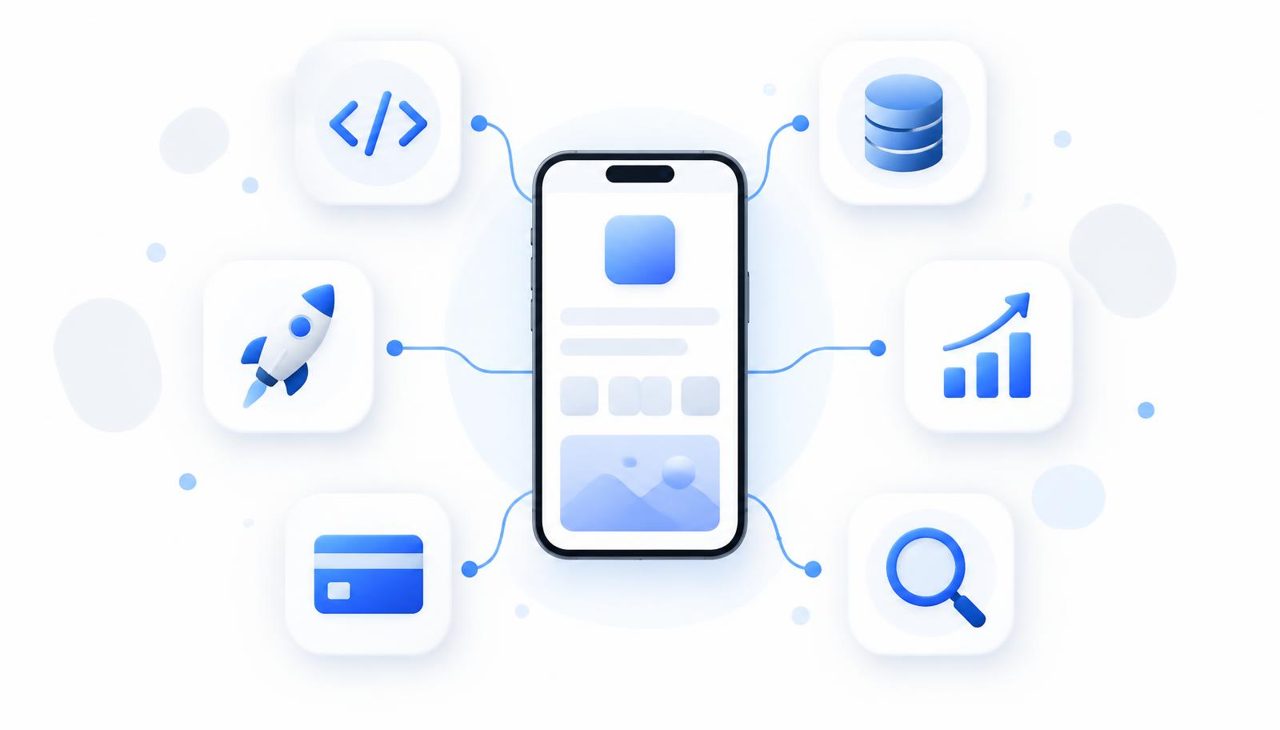
Mobile App Development Tools 2026: Full Guide
A step-by-step map of the mobile app tools I would use in 2026, from market research and prototypes to backend, paywalls, testing and store release.

Five Open Source AI Coaches: Install and Use Guide
Five open source AI coaches on GitHub: what each really does, how to install it, how to use it from day one, its limits, and who each one fits best.
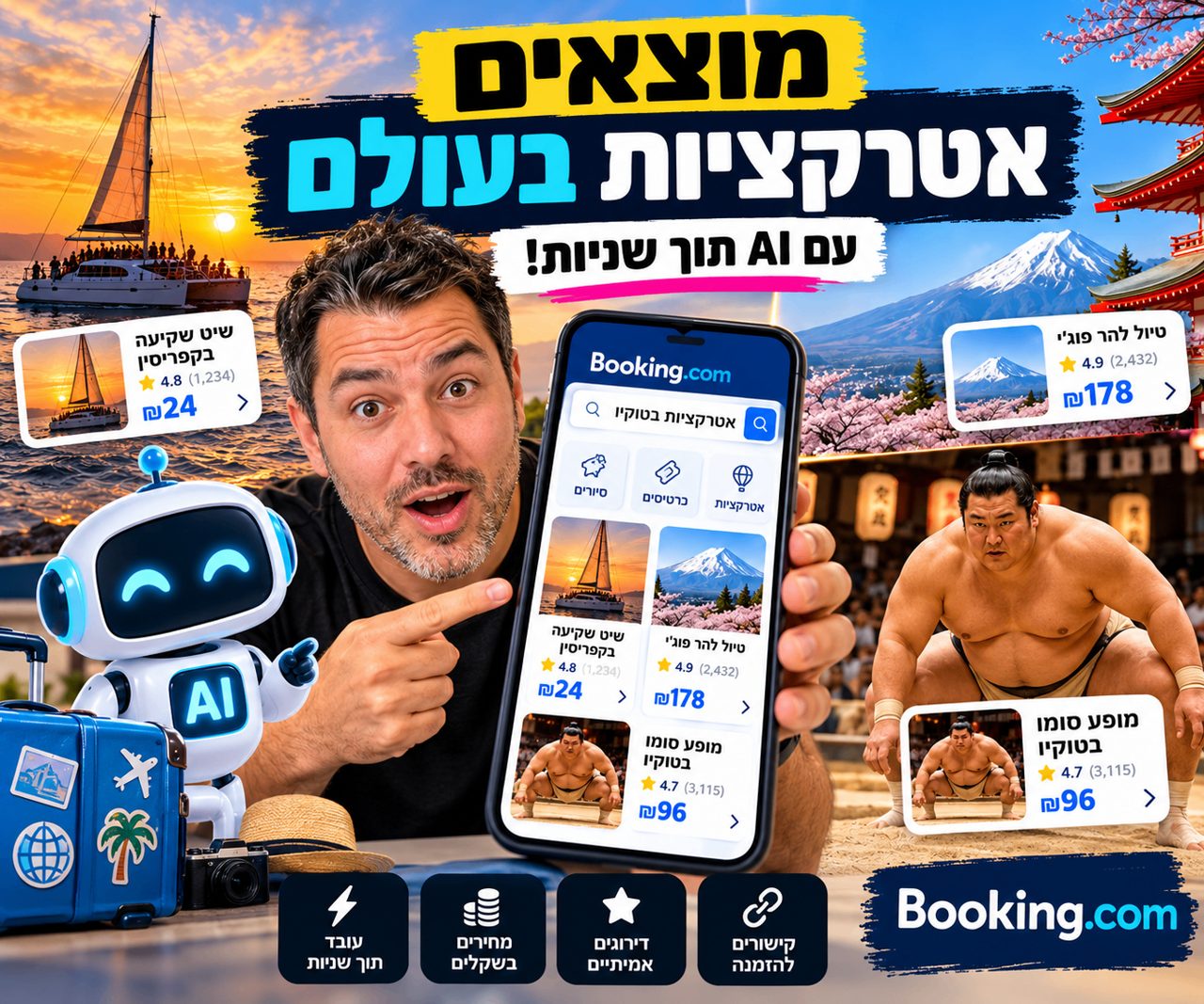
How to Book Attractions and Tours Worldwide with Claude
Learn how to find and compare tours, attractions and activities with Claude in one chat, using Booking.com, Viator, GetYourGuide and Civitatis.
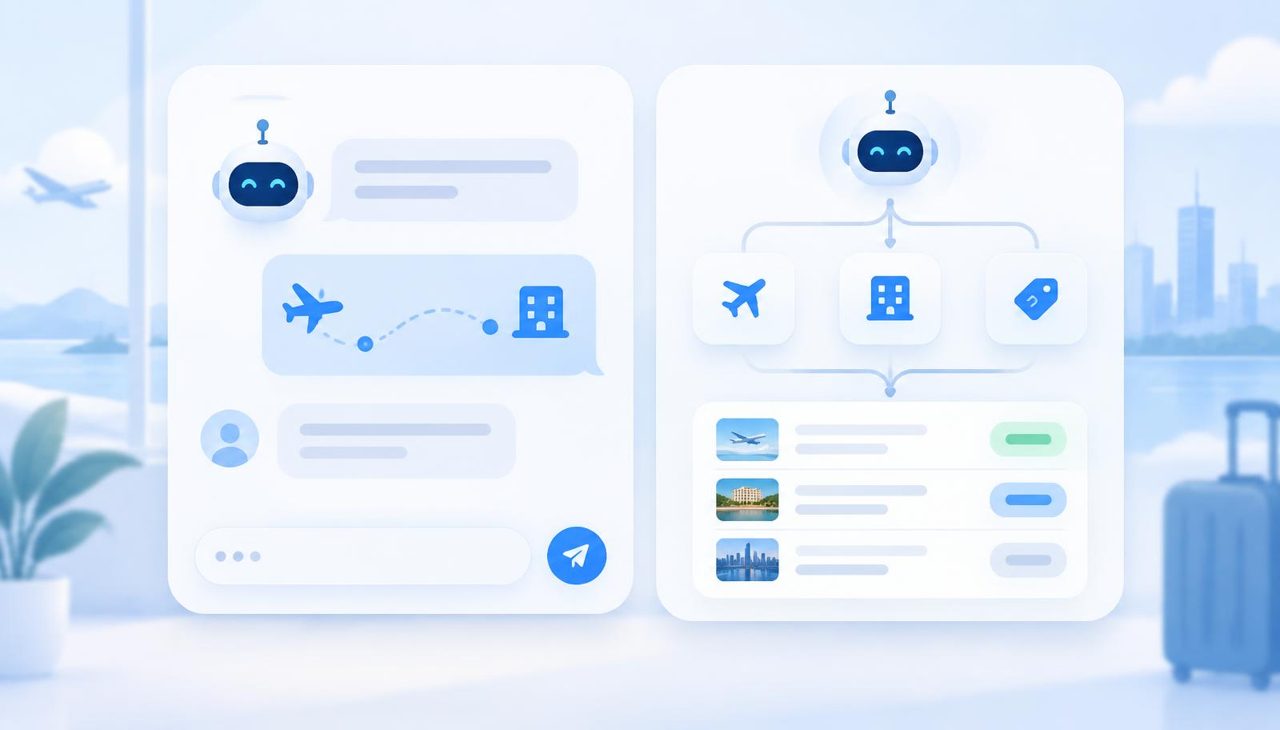
Travel Plugins for ChatGPT and Claude: 12 Ways to Save
Learn which flight and hotel plugins and connectors to use in ChatGPT and Claude, plus 12 copy-ready prompts to compare prices and book smarter.
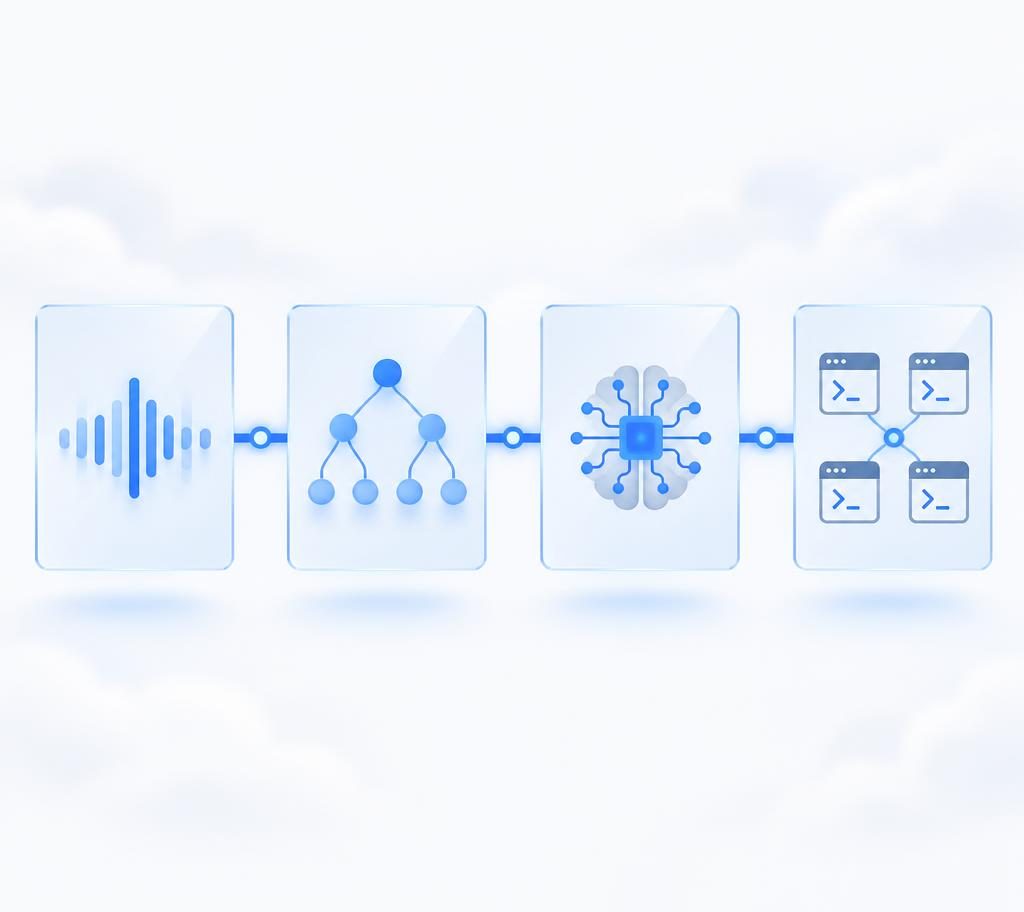
AI Tools Guide: Eleven v4, Laya, Hindsight, OpenRig
Four new AI tools from one week: Eleven v4 voice, Laya decision model, Hindsight agent memory, and OpenRig multi-agent setup. Install steps and limits.
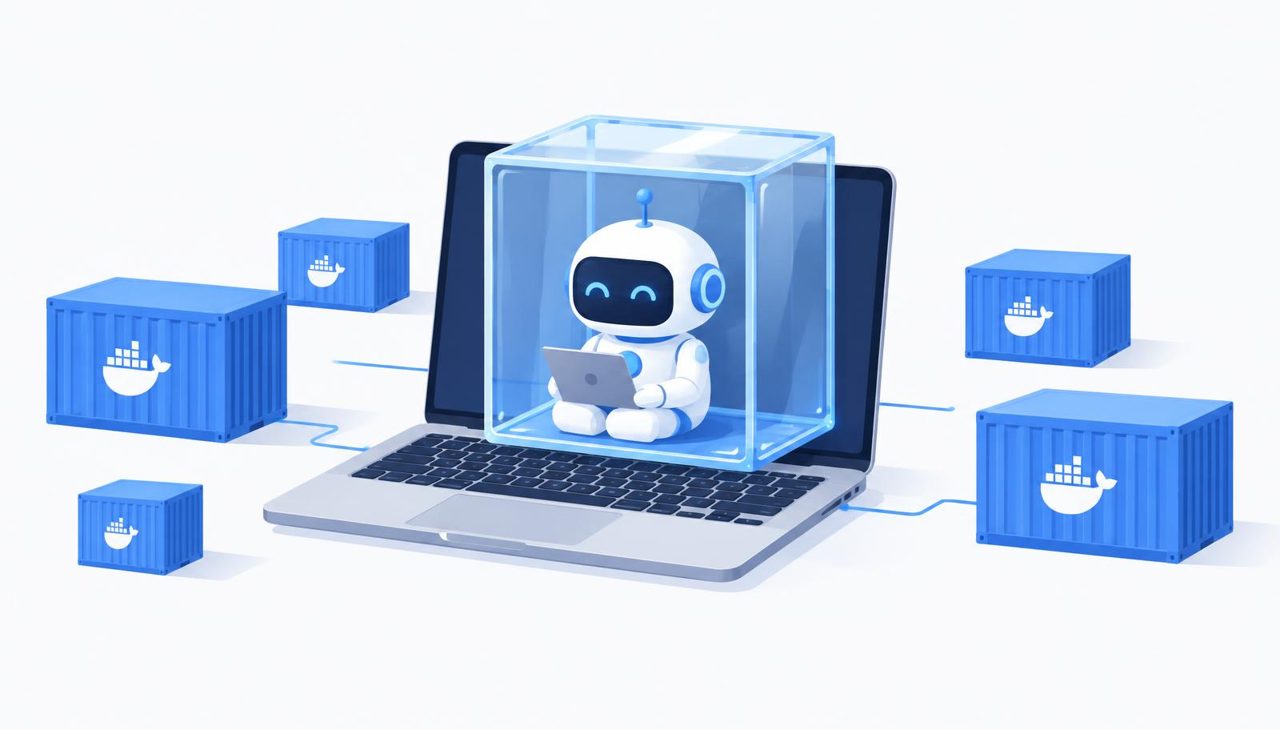
Docker Sandboxes Guide: Run Claude Code Safely
A step-by-step guide to Docker Sandboxes: install sbx, run Claude Code in a microVM, lock down network access, manage API keys, and go to the cloud.

ChatGPT Work: 7 Use Cases and How to Start
Seven ChatGPT Work use cases with copy-ready starter prompts, setup steps, what to watch for, and a simple way to start. Includes two bonus examples from real teams.
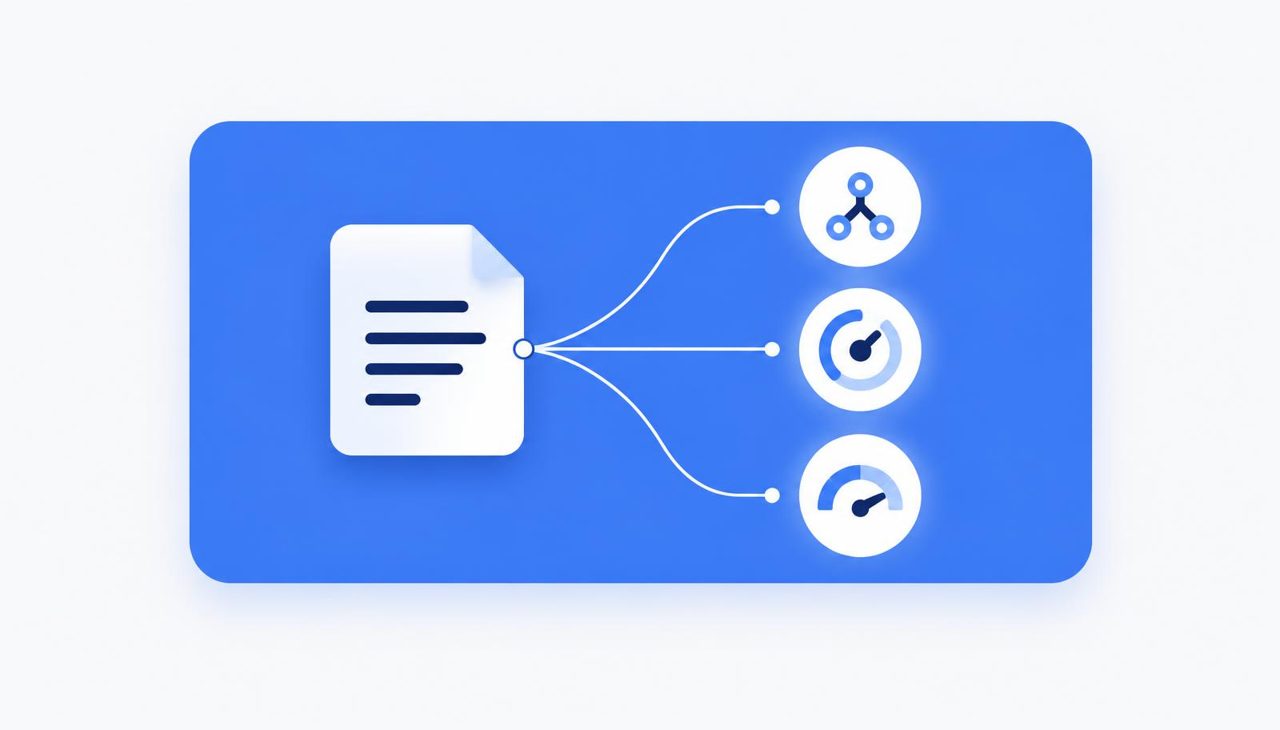
Jev AI Model: Complete Guide for Automations
Learn what Jev from TypeSafe AI does, how Choice, Score and Noul questions work, its pricing and limits, and how to set it up in n8n step by step.

Email for AI Agents: When to Give It Its Own Inbox
Learn when an AI agent needs its own email inbox, what each tool costs, how to block prompt injection, and how to link several Gmail accounts to Claude.
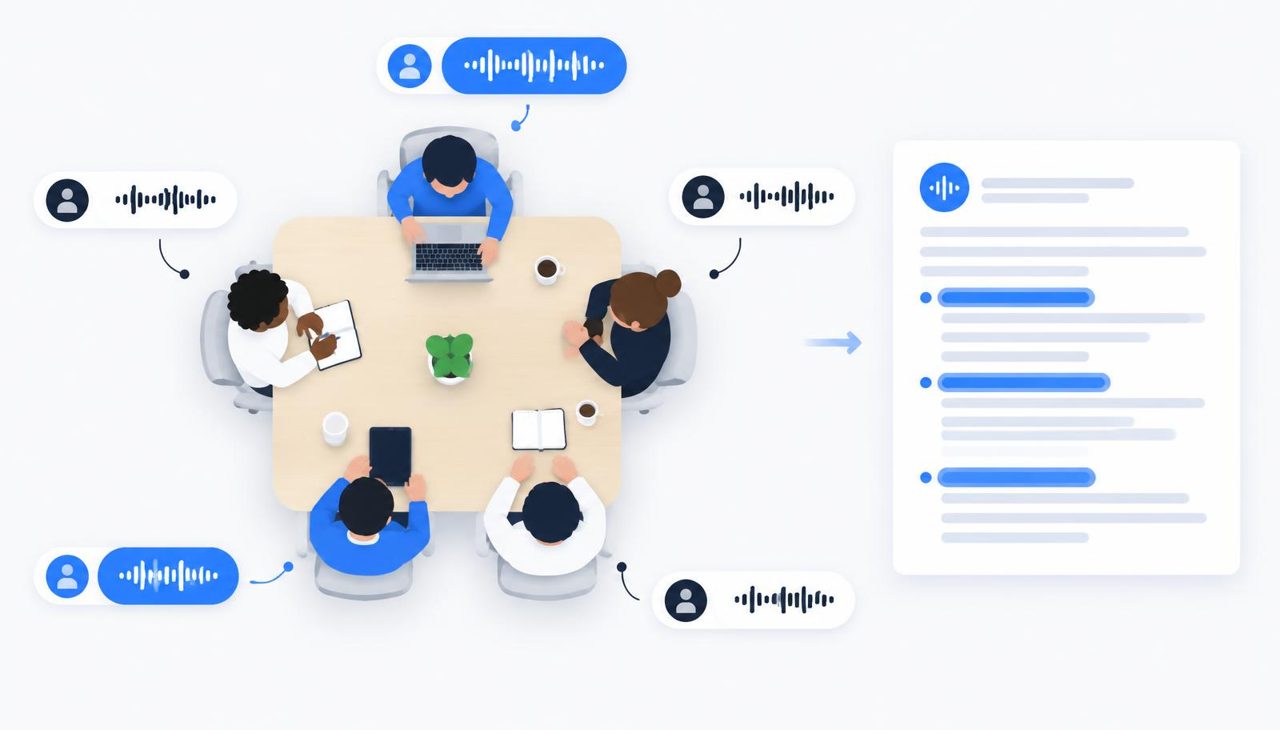
Meeting Transcription with Speaker Labels: Full Guide
Learn how to transcribe meetings with speaker labels using Nemotron 3 Diarization, OpenRouter, and Claude, with code, costs, and a meeting summary prompt.

One email a week. One agent you can copy.
Every week I send the setup I actually used: the tools, the prompts and the steps. Short enough to read on your phone.
No spam. Unsubscribe with one click.