Grok Bot AI Agent Team: Build a 6-Agent Setup
Learn how to set up a six-agent AI team with Grok Bot for research, coding, transcription, markets, and automation, with prompts and a checklist.

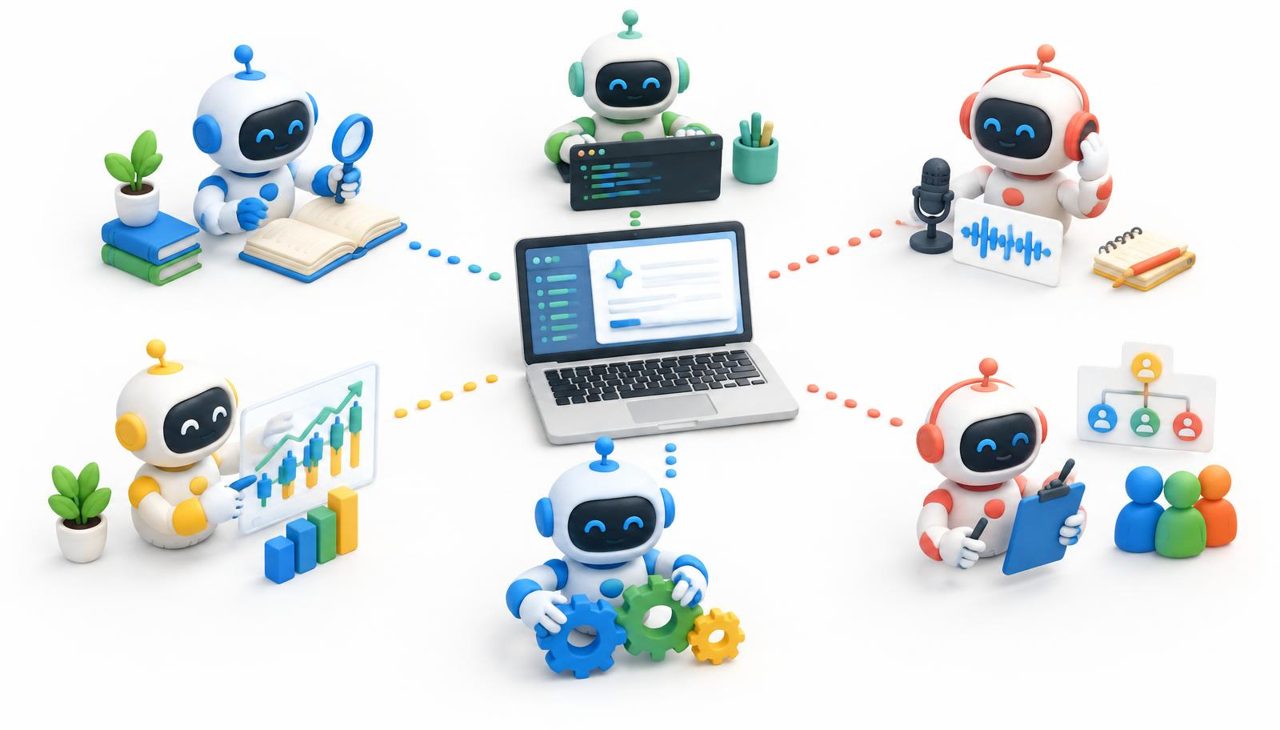
Picture sending one business idea to a small team of AI agents. One agent researches the market, another writes the code, and a third turns a video into subtitles. This guide shows how that team can be set up on a Grok Bot computer, one tool at a time.
In short: You can build a team of six Grok Bot agents that handle research, development, transcription, market reports, automation, and coordination. Start with one tool per category, install each repo in its own environment, and test each piece before you add schedules. Nothing here is guaranteed to work in your setup, so check the official docs, licenses, and permissions first.
Key takeaways
- Grok Bot agents share a persistent cloud computer, files, and logins, and each bot has its own screen, according to the xAI Grok Bot computer docs.
- Install each tool in its own environment with uv or venv. Use Docker only if the service allows it.
- GPT Researcher is licensed under Apache 2.0 and can be installed with
pip install gpt-researcher. - faster-whisper can run up to 4 times faster than the original Whisper at the same accuracy, and int8 quantization helps it run on a CPU.
- The market agents write reports only. The setup includes no broker keys.
- Add one tool per category first, then expand after each one is tested.
Before you start: what is verified and what needs checking?
Before you focus on the bots, read the general Grok guide for models and plans. Those details change, so check them yourself.
According to the Grok Bot computer docs at xAI, the bots share a persistent cloud computer, files, and logins, and each bot has its own screen. The Skills and Routines docs also describe repeatable instructions and scheduled tasks. These are documented features, but they do not guarantee that you can install every repo or use every connection.
The architecture and prompts in this guide are a suggestion for implementation. A visible terminal, Docker or Python installs, the /workspace path, and specific MCP connections all need to be tested in your own environment and plan. If you only have a Grok chat with no suitable run environment, install the tools on a computer or server you control and connect them to the right agent.
The tool list is a starting point for research. It is not a security approval. I did not run a full security review or run every repo while writing this. Before you install anything, check the official source, the license, the dependencies, and the permissions. Work in an isolated environment with no sensitive data. Star counts, performance, and costs change, and they do not guarantee quality.
How does the Grok Bot computer work for a team of agents?
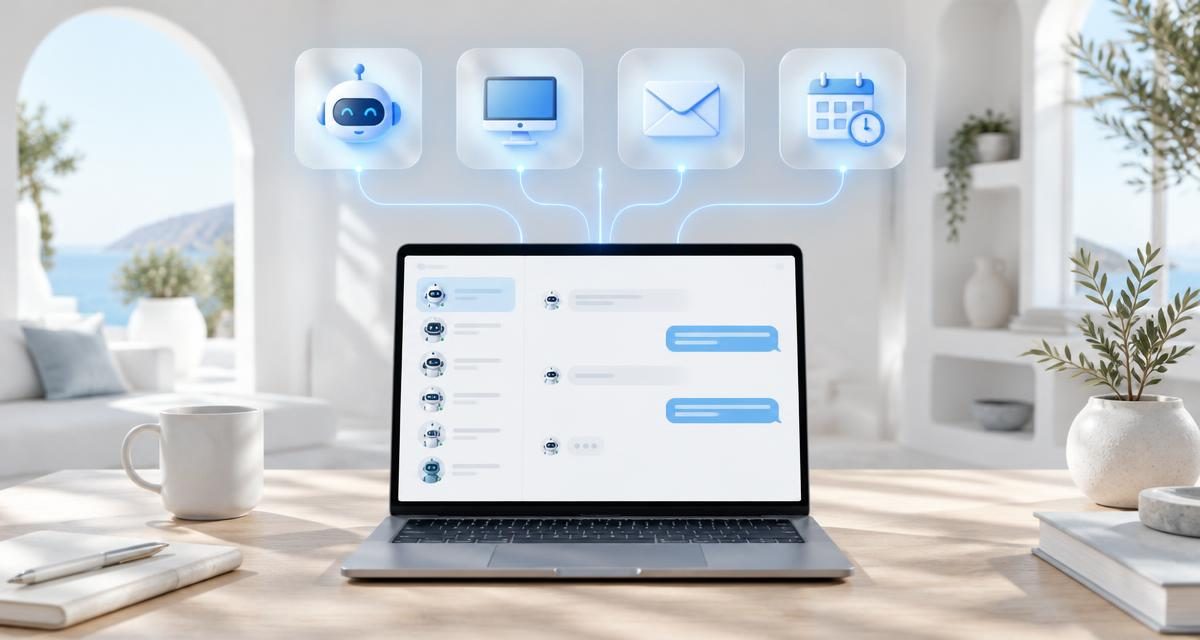
The shared computer lets one agent write a report and another agent read it. Use this to pass work between agents, but do not treat role separation as a security boundary.
Here is what you have to work with:
- A persistent cloud computer and browser, as described in the xAI docs. Check which run tools are available and what the resource limits are. Do not assume an open Linux environment is available for every install.
- A browser, terminal, and file system. This guide uses
/workspaceas an example. Adjust the path for your setup, and do not assume files survive updates without testing and backups. - A restricted user for the agent. Install inside a separate environment with uv or venv. Use Docker only if the service supports it.
- Scheduling. If the service supports background tasks, you can schedule them. If not, use n8n or a scheduler on a server you control.
- Skills. If your service supports them, save a repeatable process as a skill. If not, save the instructions and a documented script in TOOLS.md.
- Connectors and MCP. Connect outside services only when the environment supports them. Set permissions for each agent separately. Connecting one agent does not give access to the others.
The main architecture point is this: on the shared computer described in the Grok Bot docs, one agent can write a report and another agent can read it. Test this with a practice file that has no sensitive data. Do not treat role separation as a security boundary. Shared files and logins may expose information to other agents. On a shared computer, any agent with access to the same user may also reach its secrets.
How do you install a repo on the bot's computer?
Give the bot a recipe, not a general instruction like "install GPT Researcher." A recipe keeps the bot from improvising, and you can save it later as a skill.
Here is the installation prompt template:
I want you to install the following repo on your computer: <repo link>

Rules:
1. Work inside the folder /workspace/hq/tools/<tool-name>
2. Create a separate virtual environment for this tool (uv or venv). Do not install globally.
3. If the repo supports Docker and Docker is on the computer, prefer Docker.
4. Before running anything, verify the repo owner against the official source and read the README, the license, the install files, and the dependencies. Do not run unfamiliar code just because it appears in the README.
5. If any API key is missing: stop and ask me to set it in the secrets manager or a protected environment. Do not ask me to paste a key into the chat, and do not make up a placeholder.
6. At the end of the install, run one small test that proves the tool works, and save the output to /workspace/hq/tools/<tool-name>/SMOKE_TEST.md
7. At the end, write me: what was installed, how to run it, what the test showed, and what is still missing

Once this works, save the whole process as a skill named install-<tool-name>
Three things save hours:
- Use one folder for all tools,
/workspace/hq/tools, with a subfolder for each repo. This way every bot knows where the tools are. - Keep secrets separate for each tool, preferably in a secrets manager. If you use a local
.envfile, limit its permissions, exclude it from Git, and do not give every agent access to every key. - Keep a TOOLS.md file at
/workspace/hqthat records each tool in one line: name, location, how to run it, and what it knows. This is the shared memory of the team.
Which research tools should the team use?
The research agent takes an idea or question and returns a report with sources. It is the first agent in the chain, because everything else builds on what it finds.
GPT Researcher
- Repo: github.com/assafelovic/gpt-researcher
- License: Apache 2.0
- What it does: It plans sub-questions, runs searches in parallel, scrapes and summarizes, and writes a structured report with citations. It has a recursive deep research mode for longer reports.
- Why choose it: It is the most mature option, with the most integrations. It is my default for market and competitor research.
- What you need: An LLM key (OpenAI, Anthropic, xAI, and others) and a search engine. The default is Tavily, which has a free tier. You can also use SearXNG, Serper, or DuckDuckGo.
- Install:
pip install gpt-researcher, or Docker from the repo.
STORM (Stanford)
- Repo: github.com/stanford-oval/storm
- License: MIT, a Stanford NLP project
- What it does: It writes Wikipedia-style articles. Before writing, it creates 3 to 5 expert personas, interviews itself from their points of view, builds an outline, and then writes section by section. It also has Co-STORM for shared human and machine work.
- Why choose it: Use it when you need a deep understanding of a new field, not just a list of competitors. It works well for building guides and lead magnets.
- What you need: An LLM key and a search engine (You.com, Bing, Serper, DuckDuckGo, or SearXNG).
Open Deep Research (LangChain)
- Repo: github.com/langchain-ai/open_deep_research
- License: MIT, built on LangGraph
- What it does: It is a research agent you can rebuild and customize. It stops after planning the research and waits for your approval before it uses up search quotas. It supports MCP, so it can write directly to Obsidian, a local database, or read your documents.
- Why choose it: Use it when you want control at every step, or when the research needs to touch your internal data.
- What you need: An LLM key, a search key (Tavily by default), and Python 3.11 or newer.
Perplexica
- Repo: github.com/ItzCrazyKns/Perplexica
- License: MIT
- What it does: It is Perplexity running on your own machine. It is a search interface that gives answers with sources. It runs on SearXNG and supports local models through Ollama.
- Why choose it: Use it for quick everyday questions, not long reports. The bot sends a question and gets an answer with links within seconds, without paying for a search API.
- What you need: Docker. This is the easiest tool to install in this category.
Crawl4AI
- Repo: github.com/unclecode/crawl4ai
- License: Apache 2.0
- What it does: It scrapes websites and returns clean Markdown made for LLMs. It can crawl a whole site, handle JavaScript, and extract structured data based on a schema.
- Why choose it: It is not a research agent. It is the engine underneath. When you want the bot to map 50 competitor pricing pages into one table, this is the tool.
- What you need:
pip install crawl4ai
Questions people ask
Can I install these tools from a regular Grok chat?
Not necessarily. You need a run environment with a terminal and the right permissions. If Grok Bot does not offer those, install the tools on a computer or server you control and connect them to the right agent.
Is this setup free to run?
Not necessarily. Even when the tool code is free, you may pay for subscriptions, computing, storage, models, and search. Set a budget and check licenses before any commercial use.
Do the market agents place trades?
Not in the setup described here. The market agents only write reports and do not have broker keys. Any execution tests should use paper trading or a dry run with no real money.
Have all of these repos been tested for safety?
No. A full security review and a run of every repo were not done while writing this guide. Checking the official source is not a guarantee of safety, so review the code, dependencies, and permissions, and use an isolated environment.
What should I set up in the first week?
Start with one tool per category, then add a shared TOOLS.md and TEAM.md file. Test each tool before you add schedules, automation, or handoffs between agents.