Cloudflare for AI Agents: The Complete Guide
Learn how AI agents deploy to Cloudflare with no account, build MCP servers, run Sandboxes, and use Workers AI, D1, R2, and KV step by step with code.

An AI coding agent can build a small app in minutes. The hard part used to come at deploy time, when you had to stop, sign up, verify your email, and set up tokens. Cloudflare now removes that step for agents.
In short: Since 2026, an AI agent can deploy a live app to Cloudflare without anyone opening an account first. Wrangler creates a temporary account, uploads the code to a live workers.dev address, and returns a claim link that you have 60 minutes to open. Cloudflare also offers remote MCP hosting, Sandboxes, Workers AI, AI Gateway, and a free backend stack.
Key takeaways
- An agent can deploy with
wrangler deploy --temporaryand no OAuth, API token, or sign-up. - The temporary account must be claimed within 60 minutes, or everything is deleted automatically.
- Code Mode saves about 32% of tokens on simple tasks and up to 81% on complex multi-call tasks.
- Sandboxes in production require a paid Workers plan at $5 per month. Local development is free.
- Workers AI offers 70+ open models, and AI Gateway puts all providers behind one bill and one control point.
Can an AI agent deploy to Cloudflare without an account?
Yes. An AI agent can put a live app on Cloudflare with one command, and no one has to open an account first. There is no OAuth, no API token, and no sign-up step.
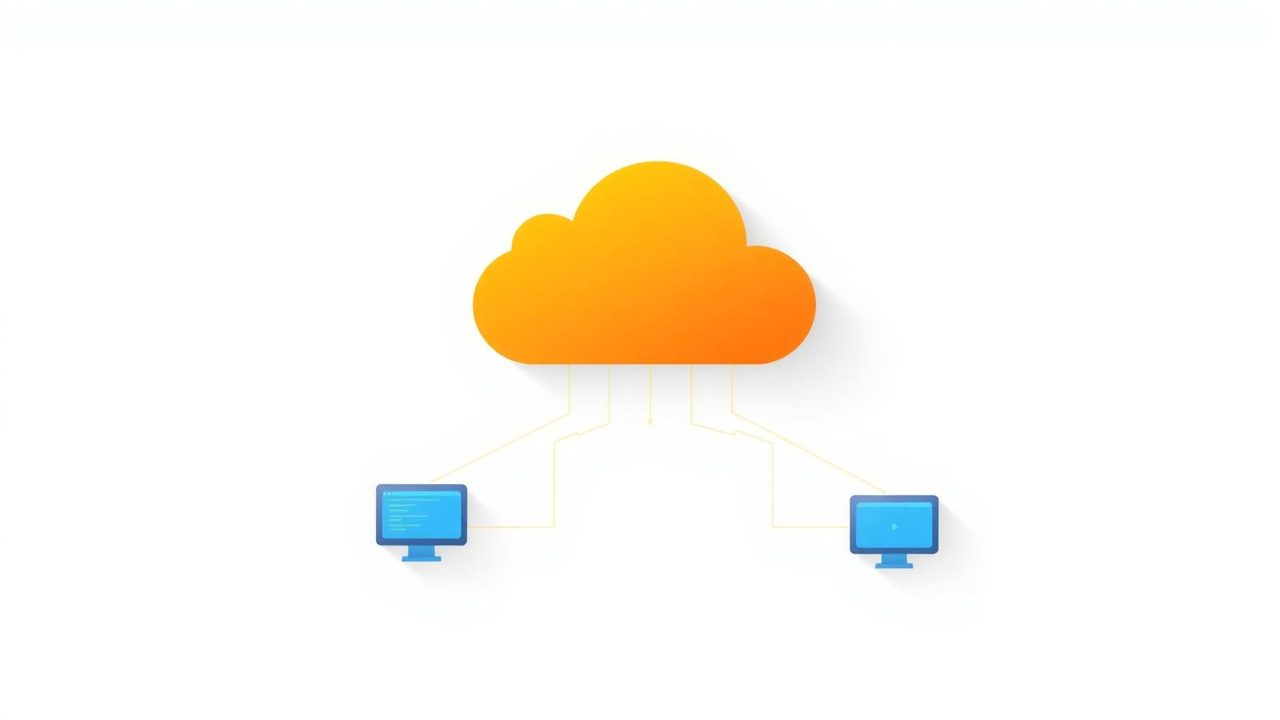
This is the feature that changes the most about how I think about deploys. Cloudflare creates a temporary account in the background, uploads the code to a live workers.dev address, and returns two things: the link to the app and a claim link (Claim URL). You have 60 minutes to open the claim link in a browser. Once you do, the temporary account becomes a permanent account that belongs to you, including everything the agent created in it. If you do not claim it in time, everything is deleted automatically and nothing is left behind.
This closes a gap that vibe coding has had. Claude Code can build a whole app in minutes, but at deploy time you still had to stop, sign up, verify your email, and set up tokens. Cloudflare removes that friction.
How do you deploy your first app through an agent?
Install the latest Wrangler, make sure you are not logged into an existing account, then give your agent a task and let it deploy the app with wrangler deploy --temporary.
Prerequisites:
- Latest Wrangler:
npm install -g wrangler@latest - Important: you must not be logged into an existing account. If you have credentials, run
wrangler logoutfirst. The flag fails if Wrangler detects an active OAuth token, API token, or Global Key.
- Give the agent a prompt. Open Claude Code (or any other coding agent) and give it a task, for example:
   Make a simple hello world Cloudflare Worker in TypeScript
and deploy it using the Wrangler CLI. Do not ask me questions.- The agent finds the mechanism on its own. When the agent tries to run
wrangler deploywithout credentials, Wrangler's own output tells it to run again with the right flag. I think this is a smart design choice. The instructions appear exactly where an agent reads them, in the terminal output, not in the documentation.
- Deploy:
wrangler deploy --temporaryThe output includes the live Worker address and the claim link.
- Iterate. During the 60-minute window, Wrangler stores the temporary account details in a local cache. The agent can fix code, deploy again, test the result with
curl, and repeat. All of this happens on the same temporary account.
- Claim. Open the claim link in a browser, sign in or sign up, and the account moves to you, including everything created in it: Workers, D1 databases, KV namespaces, and queues.
What are the warnings for temporary deployments?
Treat the claim link like ownership of the account, because whoever opens it first gets it. It is also a prototyping tool, not a production tool.
- The claim link equals ownership of the account. Whoever opens it first gets it. Do not paste it in a public Slack channel, do not commit it, and do not send it in group chats.
- This is a tool for prototyping and agent workflows, not production. For CI/CD, use a permanent account with an API token that has defined permissions.
- Cloudflare limits how quickly temporary accounts can be created and uses proof-of-work mechanisms against abuse.
How does Code Mode reduce MCP token use?
Code Mode lets the model write code against a typed SDK instead of calling dozens of separate tools. Cloudflare's benchmarks show large token savings, and the fixed footprint of the server stays small.
MCP (Model Context Protocol) has become the standard way to connect AI agents to outside tools. Cloudflare was the first platform to support remote MCP servers, which run in the cloud instead of on each user's computer. Today it is the default place to host an MCP server, with built-in OAuth and Workers infrastructure underneath.
There is a built-in tension in MCP. An agent needs many tools to do real work, but every tool you add takes up space in the model's context window. Each tool definition includes a name, a description, a parameter schema, and types, and that adds up fast.
Cloudflare lives this problem at an extreme. Its API has more than 2,500 endpoints across DNS, Workers, R2, Zero Trust, and analytics. Exposing each endpoint as a separate MCP tool would burn more than 2 million tokens. That is more than the context window of most leading models, before the model reads a single word of your task.
Code Mode fixes this. Instead of describing every action as a separate tool, the model writes code against a typed SDK, and that code runs in an isolated environment. Cloudflare's official MCP server exposes only two tools:
search()searches the API specification.execute()runs code that calls the endpoints.
The full API, with more than 2,500 endpoints, costs about 1,000 tokens of context.
| Scenario | Token savings |
|---|---|
| Simple tasks | About 32% |
| Complex tasks with many calls | About 81% |
| Fixed server footprint vs. exposing every endpoint | Up to 99.9% |
The complex-task savings come from a simple change. Instead of the agent firing 30 separate tool calls, it writes one loop in code.
Anthropic arrived at the same pattern independently, in its Code Execution with MCP post. When a leading AI lab and the largest infrastructure platform converge on the same solution, I read that as a sign it is becoming the default.
How do you deploy a live MCP server in 10 minutes?
You can use the one-click Deploy button in Cloudflare's documentation, or build the server by hand with a template, a few lines of code, and one deploy command.
Fast option: The Cloudflare documentation at developers.cloudflare.com/agents has a "Deploy to Workers" button. It deploys an example server directly to your account, including a GitHub repo that updates automatically on every push.
Manual option:
- Create a project from a template:
   npm create cloudflare@latest -- my-mcp-server \
     --template=cloudflare/ai/demos/remote-mcp-authless
cd my-mcp-server- Define a tool. Open
src/index.tsand add tools inside theinit()method:
   this.server.tool(
     "add",
     { a: z.number(), b: z.number() },
     async ({ a, b }) => ({
       content: [{ type: "text", text: String(a + b) }],
     })
);- Test locally:
npm startThe server runs at http://localhost:8787. Connect it to the MCP Inspector or directly to Claude to test it.
- Deploy:
npx wrangler@latest deployThe server is live at your-server.your-account.workers.dev and reachable from any MCP client in the world.
- Optional: add OAuth. For servers that access sensitive data, Cloudflare provides the
workers-oauth-providerlibrary. It handles the full authentication flow, including integration with GitHub, Google, or any other OAuth provider.
Advanced tip: If your server wraps a large API, do not define dozens of tools by hand. Use the Code Mode pattern instead. The SDK is open source as part of Cloudflare's Agents SDK, and any MCP server can adopt it.
What are Cloudflare Sandboxes and why do they matter?
Cloudflare Sandboxes give an agent a real computer: an isolated, container-based environment with a shell, a file system, background processes, and the ability to install packages. The agent controls it through an SDK, and it wakes up on demand and picks up where it left off.
An agent that can only call tools is limited. A real agent needs a computer, with a terminal to run commands, a file system to save its work, background processes, and an environment to run code it wrote, without putting your own machine at risk. The sandbox is also what powers Code Mode from the previous section. Code the model writes runs inside a Dynamic Worker Loader, a secure execution environment created in real time.
Why this matters:
- Safety. Code the agent writes runs in full isolation. Even if the model hallucinates or receives a malicious prompt, the damage stays inside the Sandbox.
- Continuity. An agent working on a long task, such as refactoring a repo or running multi-step research, does not lose its work between sessions.
- Scale. You can run thousands of environments in parallel, one agent per user or one agent per task.
How do you make your first Sandbox?
Create a project from the basic example, call the SDK from a Worker, then deploy with Wrangler.
- Create the project:
   npm create cloudflare@latest -- my-agent --template=cloudflare/sandbox-sdk/examples/basic
cd my-agent- Use the SDK inside a Worker:
   import { getSandbox } from "@cloudflare/sandbox";

   export default {
     async fetch(request, env) {
       const sandbox = getSandbox(env.Sandbox, "agent-session-1");
       const result = await sandbox.exec("python3 analyze.py");
       return new Response(result.stdout);
     },
   };
Questions people ask
Do I need a credit card to use Cloudflare for AI agents?
For most of the stack, no. Workers, D1, R2, KV, and temporary deploys work on the free tier without a card. Sandboxes in production require a paid Workers plan at $5 per month, while local development is free.
What happens if I do not claim a temporary account within an hour?
Everything is deleted automatically, including the code, the databases, and the address. You will need to run the deploy again. You have 60 minutes to open the claim link in a browser.
How many tokens does Code Mode save on MCP servers?
Cloudflare's benchmarks show about 32% savings on simple tasks and up to 81% on complex tasks with many calls. When you compare the server's fixed footprint with exposing every endpoint, the savings reach 99.9%.
What is the difference between Workers AI and AI Gateway?
Workers AI runs open models on Cloudflare's GPUs. AI Gateway is a proxy and control layer that works with every provider, including OpenAI and Anthropic, and you can use both together.
Is D1 good enough for production?
For small to medium apps, yes. D1 is managed SQLite with replication. For very heavy workloads with high concurrent writes, it is worth looking at managed Postgres, for example through Hyperdrive with an external provider.