How to Turn Any API into a Claude Tool with MCP
Learn how to build a secure MCP server that connects any API to Claude. Compare a free local FastMCP setup with a Cloudflare Workers cloud setup.

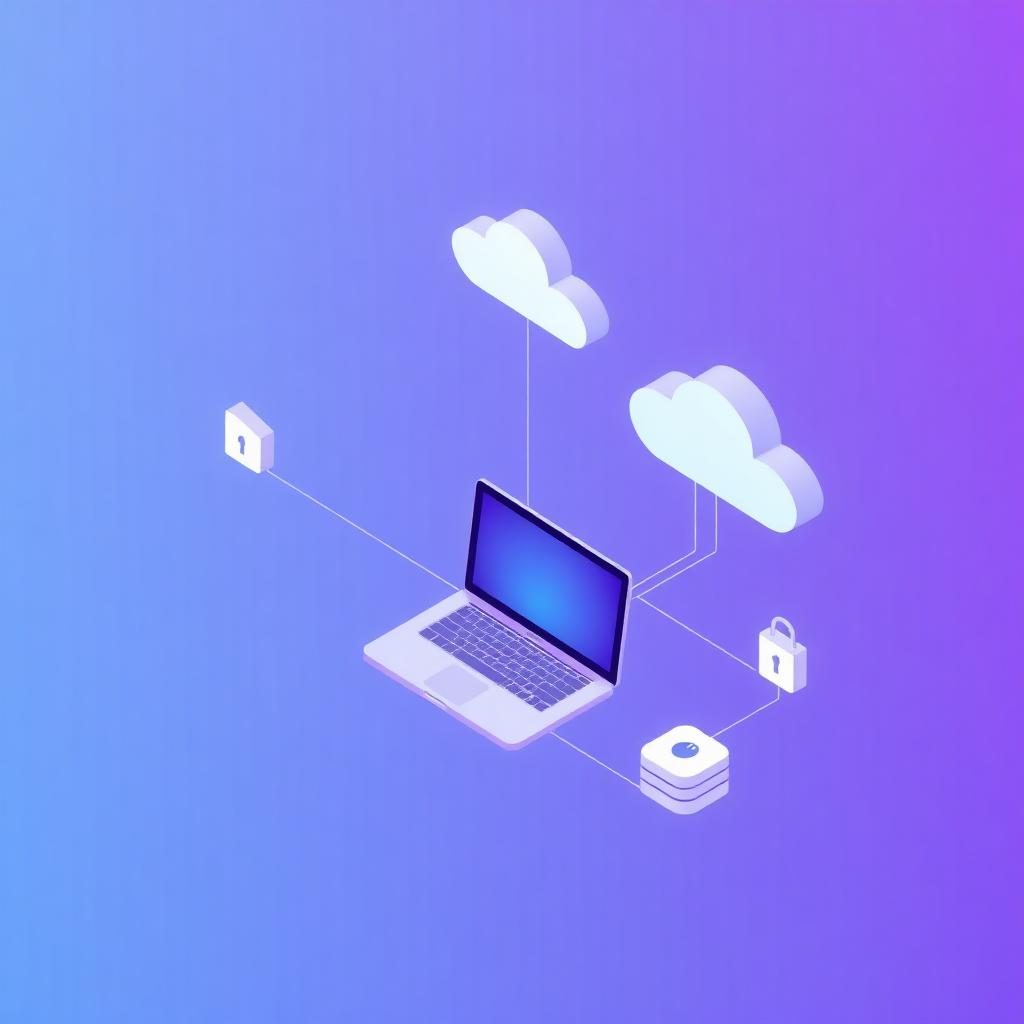
A customer asks Claude for their account details. Instead of copying data from your CRM into a chat, Claude pulls the record directly and answers in one reply. That is what an MCP server makes possible, and you can set one up for any API you already use.
In short: An MCP server lets Claude call your own API as a tool. You can run it locally with FastMCP for free and keep your keys on your machine, or deploy it to Cloudflare Workers so it works from the web, Desktop, and mobile. This guide walks through both paths, a decision table, the three security rules to follow, and fixes for common problems.
Key takeaways
- MCP (Model Context Protocol) is an open standard from Anthropic, and one MCP server can expose every endpoint of your API to Claude.
- A local server uses stdio and works only in Claude Desktop. A remote server uses Streamable HTTP and works on web, Desktop, and mobile.
- The local FastMCP path takes about 10 minutes and needs Python 3.10 or higher.
- Cloudflare Workers offers 100,000 requests per day for free, and the remote setup takes about 15 to 30 minutes including the account.
- Custom connectors always connect from Anthropic's cloud, so a stdio server works only in Claude Desktop.
- Keep API keys out of your code, use OAuth or token checks on any remote server, and start with read-only tools.
What is MCP?
MCP is an open standard from Anthropic that defines how an AI model discovers and runs external tools. Instead of writing a separate integration for each model, you build one MCP server. Each endpoint of your API becomes a tool with a name, a description, and a schema. Claude receives the tool list automatically and decides on its own when to use each one.
If you have an API but no server for it yet, there are three ways to turn it into an MCP server. They range from automatic conversion to building everything by hand.
There are two connection types:
- Local (stdio): The server runs as a process on your computer, and Claude Desktop talks to it directly. This is the most secure option, because nothing leaves your machine.
- Remote (Streamable HTTP): The server runs in the cloud with a public URL, and Claude connects to it from Anthropic's infrastructure. It works on every device, including Web, Desktop, and the mobile app.
Keep this in mind: a custom connector always connects to a server in Anthropic's cloud, not to your computer. That is why a local stdio server works only in Claude Desktop.
What do you need before you start?
You need Python 3.10 or higher for the local path, or Node.js 18 or higher for the cloud path. The local path also requires Claude Desktop. Both paths need an API key for the service you want to connect, such as a CRM, a weather service, or an internal system. For the cloud path, you also need a free Cloudflare account.
Which setup should you choose?
The local FastMCP server is the best place to start, and the cloud setup makes sense when you need access from every device. Use the table below to decide.
| Criteria | Local, FastMCP | Cloud, Cloudflare Workers |
|---|---|---|
| Cost | Completely free | Free up to 100,000 requests per day |
| Security | Keys never leave your computer, the safest option | Keys stored with wrangler secret, server is exposed to the internet, authentication required |
| Access from mobile | No, Claude Desktop only | Yes, Web, Desktop, iOS, Android |
| Setup time | About 10 minutes | About 15 to 30 minutes, including the account |
| Best for | Experiments, personal tools, sensitive data | Tools you want everywhere, or tools to share with your team |
How do you build a local MCP server with FastMCP?
Install FastMCP and httpx, write a server file that wraps your API, and connect it to Claude Desktop through the config file. This setup takes about 10 minutes, and the tool appears inside Claude Desktop when you finish.
- Install the packages:
pip install fastmcp httpx- Wrap your API. Create a file named
server.py. Each function with@mcp.toolbecomes a tool. FastMCP reads the type hints and the docstring and builds the schema that Claude sees:
import os, httpx
from fastmcp import FastMCP

mcp = FastMCP("my-api")
API_KEY = os.environ["MY_API_KEY"]  # never hardcode!
BASE = "https://api.example.com"

@mcp.tool
def get_customer(customer_id: str) -> dict:
    """Fetch a customer record by ID."""
    r = httpx.get(f"{BASE}/customers/{customer_id}",
        headers={"Authorization": f"Bearer {API_KEY}"})
    r.raise_for_status()
    return r.json()

if __name__ == "__main__":
    mcp.run()  # stdio transport
Never use print() in a stdio server. It corrupts the JSON-RPC messages and breaks the connection silently. If you need logs, write them to stderr or to a file.
- Connect the server to Claude Desktop. Open the
claude_desktop_config.jsonfile through Settings > Developer > Edit Config, then add:
{
  "mcpServers": {
    "my-api": {
      "command": "python",
      "args": ["/absolute/path/to/server.py"],
      "env": { "MY_API_KEY": "sk-..." }
    }
  }
}- The path must be absolute. A relative path will not work.
- Quit Claude Desktop completely, then open it again.
- Check the tools icon at the bottom of the chat. It should show
my-apiand its tools.
You do not need a separate server for each API. Add more @mcp.tool functions to the same file. One function can pull from your CRM, a second from your ad platform, and a third from a spreadsheet. Claude coordinates them on its own, pulling data from one, matching the names, and returning a single answer.
How do you deploy a remote MCP server on Cloudflare Workers?
Create a project from Cloudflare's official template, add your tools, store the API key as a secret, and deploy with Wrangler. Then add the URL to Claude as a custom connector. The whole process takes about 15 to 30 minutes, including the account setup.
Use this path when you want the tool to work in the browser and the mobile app, or when you want to share it with your team. Cloudflare gives you 100,000 requests per day for free, permanently, with an official template that sets up everything.
- Create the project from the official template:
npm create cloudflare@latest my-mcp-server -- \
  --template=cloudflare/ai/demos/remote-mcp-server
cd my-mcp-server- Add your tools. In
src/index.ts, define tools the same way: a name, a schema, and a function that calls your API. Store the key as a secret, not in the code:
npx wrangler secret put MY_API_KEY- Deploy:
npx wrangler deployYou get a URL in this format: https://my-mcp-server.your-account.workers.dev/mcp. You can also connect the repo to GitHub, so every push to main deploys automatically.
- Connect the server to Claude as a custom connector:
- Go to Claude > Settings > Connectors.
- Click Add custom connector.
- Paste the URL, give the connector a name, and click Add.
- If the server requires OAuth, Claude will walk you through the sign-in process.
Custom connectors are also available on the free Claude plan, but that plan is limited to one connector. Pro and higher plans let you add as many as you need. Once connected, the tool also works in the mobile app.
What three security rules should you follow?
Keep keys out of code, protect every remote server with authentication, and grant only the minimum permissions. These three rules apply to both paths.
1. Never put keys in code
Keys do not belong in a file, in the repo, or in git history. Locally, use environment variables or a .env file listed in .gitignore. In the cloud, use wrangler secret put, which encrypts the value at Cloudflare.
2. A cloud server needs a locked door
A remote server without authentication is an open API for anyone on the internet. You have two options:
- OAuth: This is the recommended method, and it is supported for everyone. You configure it on the server. Cloudflare's template includes a ready example with GitHub OAuth, and Claude handles the sign-in.
- Token checks in server code: The server rejects every request that does not include a valid token. Note that entering a key or bearer token directly in the connector's Request headers setting exists, but it is still in beta and rolling out gradually. Do not build on it for now.
3. Use minimum permissions and start with read-only tools
Begin with tools that only read data. Add tools that delete or change data only when you truly need them. Review every Claude approval request before you click "Allow always." In the Search and tools menu, you can turn off specific tools for each conversation.
How do you fix common MCP server problems?
Most problems come from a relative path in the config, an app that was not fully closed, or stray output in a stdio server. Check the items below in order.
- The server does not appear in Claude Desktop: The cause is almost always a relative path instead of an absolute one in the config. The other common cause is that Claude Desktop was not fully closed before reopening, including from the tray.
- The connection breaks in the middle: Check that the stdio server has no
print()or other output to stdout. - The cloud connector does not connect: Make sure the URL ends with
/mcpand that the server is reachable from the public internet. A server behind a VPN or firewall will not work unless you add Anthropic's addresses to an allowlist. - The first request is slow: Serverless servers go to sleep. The first request after a period of inactivity can take one to two seconds. On Cloudflare Workers, this delay is almost zero.
- Claude does not choose the right tool: Improve the docstring. A clear description with a usage example is the difference between a tool that works and one that gets ignored.
Bottom line
MCP is one of the cleanest ways to connect any API you have to Claude, without writing a separate integration for each model or relying on third-party plugins. Start locally with one API, confirm the tool works in Claude Desktop, and move to the cloud only when you need mobile access or team sharing. Keep your keys out of code, authenticate every remote server, and grant minimum permissions.
Questions people ask
What is an MCP server?
MCP stands for Model Context Protocol, an open standard from Anthropic that defines how an AI model discovers and calls external tools. You build one MCP server, and each endpoint of your API becomes a tool with a name, a description, and a schema. Claude gets the tool list automatically and decides on its own when to use each one.
Can I use a local MCP server with Claude on my phone?
No. A local server uses stdio and runs on your computer, so only Claude Desktop can talk to it. To use the tool from the web, Desktop, and the mobile app, you need a remote server on Cloudflare Workers.
How much does it cost to run a remote MCP server on Cloudflare Workers?
Cloudflare offers 100,000 requests per day for free, permanently, with its official template. You need a free Cloudflare account to get started. A local FastMCP server is free as well.
Where should I store my API key?
Never put API keys in code, in the repo, or in git history. Locally, store the key in an environment variable or in a .env file listed in .gitignore. On Cloudflare, save it with wrangler secret put, which encrypts the value.
How many custom connectors can I add to Claude?
The free Claude plan is limited to one custom connector. Pro and higher plans let you add as many as you need. Custom connectors connect from Anthropic's cloud, not from your computer.