WhatsApp Automation with AI: Full Guide (2026)
Learn the three ways to automate WhatsApp with AI, what each costs, the ban risk, and which tool fits your goal, plus how to connect Claude via MCP.

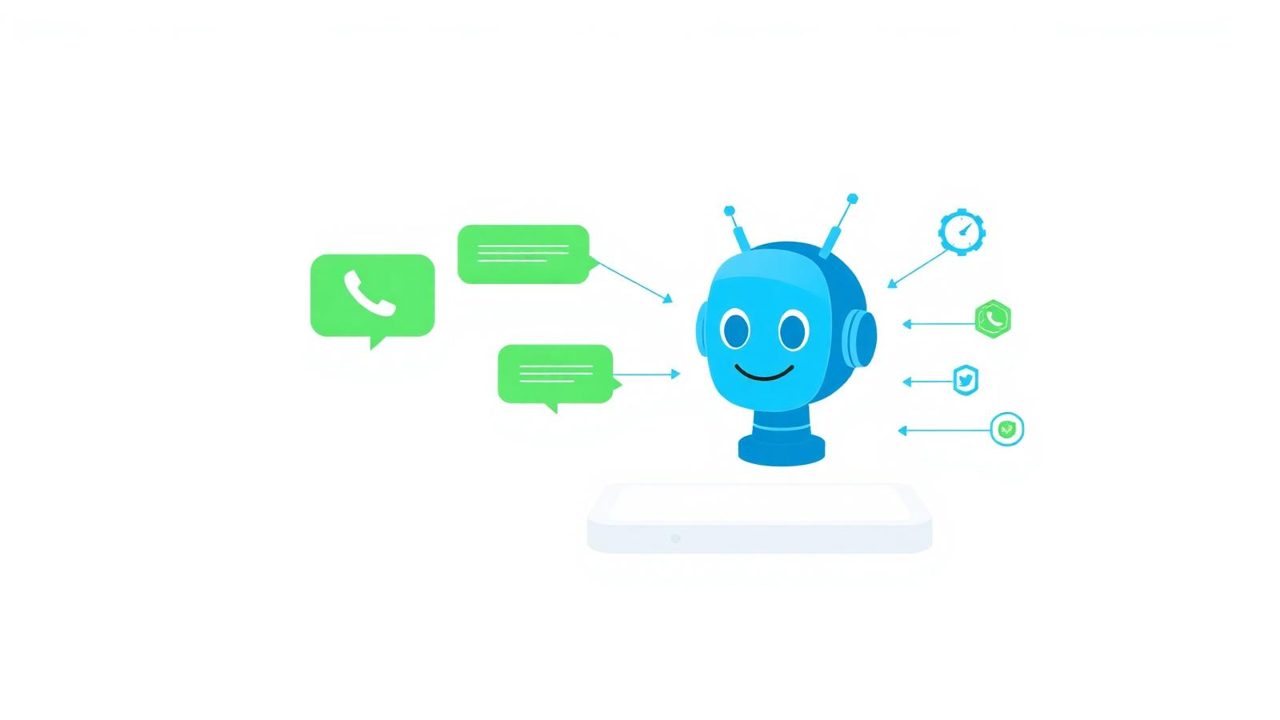
A small bakery owner I know kept losing track of order questions. Customers sent messages late at night, and by morning half of them had moved on. When she connected a simple WhatsApp bot, she assumed it would just answer for her. Within two weeks, her number was blocked, and she had to start over with a new one.
In short: WhatsApp automation with AI works in three main ways: the official Meta Cloud API (stable, paid per message), cloud tools that connect by scanning a QR code (fast and cheap, but with a ban risk), or open source software on your own server (free software, more maintenance). A bot that answers customers who messaged you first can start for free today. For campaigns and first messages to customers, use only the official route.
Key takeaways
- There are three ways to automate WhatsApp: the official Meta API, cloud tools that connect by QR code, and self-hosted open source.
- Green API has a free Developer plan, and WAAPI costs about $10 per month.
- Whapi.Cloud costs about $29 per month per number and is the most complete option for groups and channels.
- Meta charges per message on the official route, and conversation replies to customers who messaged you inside the 24-hour window are not charged.
- The simplest rule: use the official route for first messages to people who did not ask, and unofficial tools only for people who write to you.
- Claude can connect to WhatsApp through MCP, either hosted in about five minutes or local on your own computer.
Which guide fits you?
If you want a full map of WhatsApp automation, tools, and costs, you are in the right place. This guide is a map, not a list of tools. By the end, you should know which type of connection fits what you want to build, what it costs, what the risk is, and which tool to choose in each category.
There is also a chapter on MCP, which shows how to let Claude talk directly in your WhatsApp, and a chapter on private use cases such as a personal bot, group messages, and alerts.
How much does WhatsApp automation cost?
You can start at $0 with open source software, but you will pay for a small server, and the official route charges per message. Hosted unofficial tools usually charge a flat monthly fee per number. The table below shows the starting prices I checked in November 2026.
| Tool | Type | Starting price | Best for |
|---|---|---|---|
| Green API | Cloud, QR | Free Developer plan | Testing and a small bot |
| WAAPI | Cloud, QR | About $10 per month | Alerts and one bot |
| Whapi.Cloud | Cloud, QR | About $29 per month per number | Groups and channels |
| Bulldog WP | Cloud, QR with official route | Based on their pricing page | Teams of agents |
| Evolution API / WAHA | Open source | $0, plus server (about $5) | People with a server |
| Twilio | Official | Free Sandbox, then per message | Developers |
| 360dialog / WATI | Official | Monthly plan plus Meta fees | High-volume customer service |
| Zernio | Official | About $29 per month | Official with one-click setup and MCP |
| ManyChat | Official, no code | Subscription plus Meta fees | Flows like those used on Instagram |
| Meta Cloud API directly | Official | Per message, by country and type | Anyone who wants the lowest official cost |
On the official route, Meta charges per message starting July 2025. The price depends on the country and the message type, such as marketing, utility, or authentication. Replies to a customer who messaged you within the 24-hour window are not charged. For exact prices, check Meta's official pricing page.
If you use open source, you can also run n8n for free on your own server, which connects everything together.
What happens when you connect WhatsApp to AI?
WhatsApp is not an open platform. There is no single "WhatsApp API" that everyone uses. There are exactly two ways to send and receive messages automatically.
Route 1: the front door. This is the WhatsApp Business Platform (Cloud API) from Meta. Meta gives verified businesses official access. You get a business number, a green check, and the ability to send programmed messages. You pay for it, and you must follow the rules: pre-approved message templates, a 24-hour window for free conversation, and a complete ban on spam.
Route 2: the back door. This is the WhatsApp Web protocol. When you scan a QR code on your computer, your phone links a device. Developers figured out how to talk to this protocol from code, and a library called Baileys was built. It is an implementation of the protocol in Node.js. Most of the unofficial tools, including Green API, Whapi, Evolution API, Bulldog WP, and dozens more, run on this idea. There is no verification, no templates, and no fee to Meta. But there is no guarantee either. Meta can change the protocol tomorrow, and its terms forbid this use. A number that behaves like a robot can get blocked.
That is the whole picture. Everything else is a question of who hosts the connection for you and what they add on top.
The three categories you will see in this guide
| Category | How you connect | Who hosts it | Cost | Ban risk |
|---|---|---|---|---|
| Official (Meta / BSP) | Business verification with Meta | An approved provider or Meta directly | Per message or conversation, sometimes plus a subscription | None, as long as you follow the rules |
| Unofficial cloud | QR scan | An outside company | Flat fee per number, often with a free tier | Yes, depends on behavior |
| Repo / open source | QR scan | You, on your own server | $0 for software, server only | Yes, and you are also the on-call person at night |
How do you use the official Meta Cloud API?
The official route is the safest choice, and you can connect to it directly or through a licensed provider. You get a verified green check and a stable service run by Meta. The trade-off is templates, approval, and per-message fees.
What do you get?
- A verified green check and a verified business name.
- Message templates. The first messages you send to someone must be approved. After a customer replies, a 24-hour window opens for free conversation.
- Stability. There is no session that drops and no "the number flew away." It is a service run by Meta.
- Cold messages are allowed, as long as the person opted in and the template was approved.
What do you pay?
Meta charges per conversation or per message. The price changes by country and message type, such as marketing, utility, authentication, or service. On top of that, most providers add their own monthly subscription or fee. This is not expensive for a small business, but it is not "$0."
The main tools on the official route
Meta Cloud API directly. There is no middle provider. It is the cheapest option and the most complicated. You work with Business Manager, the Meta app, App Review, and webhooks by hand. It fits someone with a developer and patience.
Twilio. Twilio is one of the best-known official providers in the world. It has a clean API, excellent documentation, libraries in every language, and you pay per message above the Meta price. The big advantage is the free Sandbox: a shared number for testing that you can connect in minutes to check your flow before you verify a business. The downside is that at high volume Twilio becomes fairly expensive, and you must build everything above the API yourself, including the inbox, bot, and CRM.
360dialog. This is a European provider that focuses only on WhatsApp. It has transparent pricing, is very popular in Europe, and works with tools like Chatwoot.
Zernio. This is the newest option in the category. It does what Meta did not bother to do: Embedded Signup lets you connect a number with one click from the dashboard, without entering Business Manager. It also comes with a built-in MCP server, so an AI agent can manage WhatsApp conversations through tool calls. It costs about $29 per month, and because it is on the official route, there is no fear of a block.
WATI. This is a full platform with an inbox, bots, and campaigns, running on the official API. It is aimed at small and mid-sized businesses without developers.
ManyChat. I want to be clear here: ManyChat is not an API. It is a no-code bot and flow builder that sits on top of Meta's official API. If you already use it for Instagram, its WhatsApp side is the same flow editor. It is great for "reply to a keyword, then send a link," and less suitable when you want to connect your own AI model or your own system.
Who is this for?
- Customer service in production, with real volume.
- Anything where you send first to customers who did not write to you recently, such as reminders, campaigns, or order confirmations.
- Any situation where losing the number would be a business disaster.
Can you use unofficial WhatsApp tools in the cloud?
Yes. These tools let you connect in about a minute. You sign up, scan a QR code from your phone as if it were WhatsApp Web, and get a REST API and webhooks. You send JSON, and a message goes out. A message arrives, and a webhook fires. They work with n8n, Make, Zapier, curl, or anything else that speaks HTTP.
What is good about it?
- Speed. There is no verification, no templates, and no App Review.
- A flat price per number. It does not matter how many messages you send, which helps with unpredictable volume.
- All app features. This includes groups, channels, reactions, message editing, polls, and voice messages. The official route does not give you some of these.
- It works on a personal number. You do not need a business account.
What is less good?
- Ban risk. Meta detects robotic behavior: mass sending from a fresh number, the same message to hundreds of people, or a non-human rhythm. The number can be blocked without a warning.
- Dependence on the protocol. When Meta changes something, the tool breaks until the community updates it.
- Privacy. Your messages pass through the servers of a third party.
The main cloud tools
Green API. It is an established, stable tool, and its free Developer plan is genuinely useful for tests and small bots, not just a taste. It has good documentation and ready integrations with n8n and Make.
Whapi.Cloud. It costs about $29 per month per number, with a flat price and no per-message charge. It has the most complete feature set: messages, media, groups and channels (creating, managing, and sending), and webhooks. If your project revolves around groups, this is the tool.
WAAPI. At about $10 per month, it is the cheapest in the category. It is basic but enough for one bot or an alerts system.
UltraMsg. It is similar to Green API and is popular in the Middle East and South America.
Wassenger. This is a full platform with a multi-agent inbox, scheduling, bots, and an MCP server that connects to Claude Desktop in about five minutes (Customize → Connectors). It also offers an official route (WABA) next to the QR option.
Bulldog WP. This is a cloud tool that starts with a QR code and gives you a conversation management panel with several agents on the same number, customer tags (hot lead or existing customer), message scheduling, and a REST API with documentation in ten languages. It has integrations with n8n and Make, and an MCP server for Claude. The most interesting angle is the path to the official WhatsApp Business API inside the same system. You start cheap and unofficial, and when you grow, you move to the official route without replacing the tool. This is the most interesting option in the category for teams that work with customers in local markets.
Blueticks. This platform has a hosted MCP server (one URL, connected through Connectors, with nothing to install). It focuses on a light CRM on top of WhatsApp, with scheduling, labels, and notes on contacts.
Who is this for?
- Internal bots, alerts, CRM sync, and an AI agent that replies to customers who wrote to you.
- Projects that need groups and channels.
- Anyone who wants to start today, not in three weeks.
Should you run your own open source WhatsApp server?
Yes, if you want full control and a $0 software cost. You run the WhatsApp connection on your own server. There is no outside company account and no monthly fee. Everything is yours, including the session that drops at two in the morning.
What is Baileys, and why is it at the base of everything?
Baileys is a TypeScript library that talks to the WhatsApp Web protocol directly over WebSocket. It is a library, not a system. You write the bot, and you handle session storage, reconnection, and rate limiting. You have full freedom and full responsibility. Almost all unofficial repos and services are built on it.
The main tools, from heavy to light
Evolution API. This is the most popular repo in the category, and the engine behind many n8n automations around the world. It is a Node.js server in Docker that holds sessions for several numbers, exposes a REST API with an API key, and includes built-in integrations: n8n, Typebot, Chatwoot, OpenAI, Dify, Flowise, RabbitMQ, and S3. The interesting part is that it supports both Baileys and the official Cloud API. It is the same API with two connection types. You can start unofficial and switch to official without rewriting your flows.
WAHA (WhatsApp HTTP API). It is Docker-first, with a clean REST API and Swagger, and you can choose between several engines. Many people find it more organized than Evolution. It also has an MCP server for Claude Desktop. Some of the more advanced engines are paid.
WPPConnect. It sits between raw Baileys and the heavier Evolution. It offers multi-device support, session management, and a REST wrapper out of the box. It has an active Brazilian community with documentation in English and Portuguese.
CodeChat. This is the parent of Evolution API, since Evolution started as a fork of it. It is simple, free, and self-hosted.
whatsapp-web.js. This is a Node.js library that runs a headless browser with the real WhatsApp Web. It is heavier than Baileys, but it looks the most like a real user. It is popular for small bots.
Venom / wa-automate-nodejs. These are older libraries with slow maintenance. They still work for weekend projects.
What do you need to run it?
- A small server, such as a $5 VPS, Oracle Free Tier, or Docker on a computer at home.
- Docker.
- A WhatsApp number. A separate SIM is better than your personal number.
- n8n, or anything that can receive a webhook.
What is the real pain?
The session drops. The phone updates and disconnects. Meta changes something, and
Questions people ask
What is the difference between the official WhatsApp Cloud API and an unofficial connection?
The Meta Cloud API is the official route for verified businesses, with a green check, stable service, and proactive messages sent from approved templates, billed per conversation. Unofficial tools connect by scanning a QR code and are cheap or free, but they have no verification or templates, and they go against Meta's terms.
Which WhatsApp tool should I try first if I have no budget?
For a quick test, Green API's free Developer plan or the Twilio Sandbox are good starting points. For zero cost over the long run with your own server, Evolution API or WAHA on Docker both work. Each one gives you a REST API and webhooks that connect to n8n within minutes.
How do I connect Claude to WhatsApp?
There are two ways. A hosted MCP means you paste a provider's URL into Claude Desktop's Connectors settings, which takes about five minutes. A local MCP means you run a repo like whatsapp-mcp, which stores messages in local SQLite and only shares them with Claude when you ask.
Can I get banned on WhatsApp if I run automation?
Unofficial tools carry a ban risk, especially when you send mass messages from a new number or send the same message to hundreds of people. A reply-only bot is rarely blocked, while a marketing bot is more likely to be. Official Cloud API use carries no ban risk as long as you follow the rules.
How much does WhatsApp automation cost?
You can start at $0 with open source software such as Evolution API on a server that costs about $5 per month. Hosted unofficial tools usually cost about $10 to $29 per month per number. The official route charges per message, and the price depends on country and message type.