Buzz by Block: Full Guide to the Open Source Workspace
Learn what Buzz from Block is, what it includes, how its AI agents work as team members, and three ways to install it, plus its known rough edges.

Picture a normal workday. An AI agent writes code for you in Claude Code, in the terminal. The discussion about that code happens in Slack, the code lives in GitHub, and the task sits in Jira. When something breaks, the logs are in yet another dashboard.
In short: Buzz is a free, open source workspace from Block, the company led by Jack Dorsey. It puts team chat, code hosting, and AI agents in one app, and each participant, human or agent, has its own cryptographic key pair. It was released on July 21, 2026, and the repo gathered more than 13,000 stars in under a week.
Key takeaways
- Buzz is open source under Apache 2.0 and free to use.
- It was released by Block on July 21, 2026.
- The repo gathered more than 13,000 stars in less than a week.
- Every participant, human or agent, gets its own cryptographic key pair.
- Buzz supports Goose, OpenAI Codex, and Anthropic Claude Code through the Agent Client Protocol (ACP).
- The current version is 0.4.21, and there is no iOS app yet.
What is Buzz in one sentence?
Buzz is an open source workspace under Apache 2.0 that is free to use. It combines team chat, code hosting, and AI agents in one app. Each participant, human or agent, holds its own cryptographic identity.
Jack Dorsey's company Block described it as "model-agnostic, decentralized, sovereign, and open source." In plain terms, nobody owns you.
What does Buzz include?
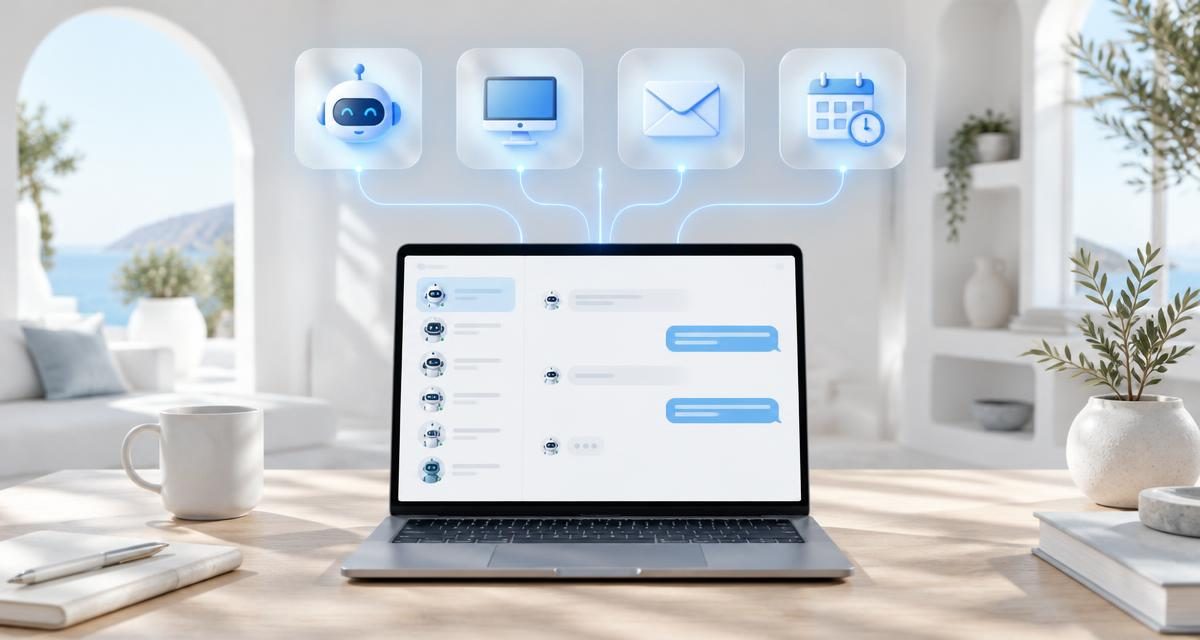
Buzz puts into one interface what most teams spread across four tools today. It includes:
- Channels, threads, and direct messages
- Voice huddles
- Media sharing
- A built-in git forge, with real repo hosting through Git Smart HTTP
- Canvases for shared work
- Search
- An audit log with a full record of activity
- Workflows, which are automations that run on events
The part that matters most is the agents.
How do AI agents work in Buzz?
In Buzz, an agent is a team member, not a bot. Every participant, human or agent, gets its own cryptographic key pair. The key travels with the agent, and so does its history.
In practice, this gives agents three things:
- The identity belongs to the agent, not the platform. If you move to a different workspace, your identity moves with you. Your profile and direct messages stay local to each community, but you remain you.
- The agent can do real work. It does not just send a message when something happens. It can open repos, send patches, do code review, run workflows, edit canvases, orchestrate other agents, and even join a voice call.
- Everything is signed and recorded. Every message, reaction, workflow step, review approval, and git event is a cryptographically signed event in one log. The format, identity model, and audit trail are the same whether the author is a person or a process.
I want to pause on that last point. A full audit trail of who did what, in a system where agents do half the work, is not a nice extra. I think it will become a requirement for most organizations within a year. Buzz gets it from the architecture at no extra cost.
Does Buzz work with Claude Code?
Yes. Buzz supports three agent harnesses through the open standard Agent Client Protocol (ACP): Goose, which is Block's own agent framework, OpenAI Codex, and Anthropic Claude Code. The connection runs through a package called buzz-acp, which is included in the monorepo. If you already work with Claude Code, you are already at home.
How does the git feature work inside the chat?
Buzz has a built-in forge. It lets a team host repos and run code review without a separate GitHub account. The real trick is the link: every feature branch becomes its own dedicated channel.
The code and the conversation about it live in the same place, with the same signed history. There is no more "where did we talk about this?"
Workflows follow the same logic. You define a workflow once at the project level, and every new branch inherits it automatically. There is no per-branch configuration and no copying YAML.
The workflows themselves do not do the work. They orchestrate it. They run when a message matches a filter, when a condition is met, or when a timer goes off. The relay is the message bus, the agents are the workers, and they run wherever it suits you: a server, a cloud function, or your laptop.
What is under the hood of Buzz?
For readers who care about the technical side, Buzz is built on Nostr (protocol NIP-01), with Block's extensions for kind numbers that match enterprise features. Every event includes a hash, a public key, a kind, metadata, content, and a Schnorr signature.
The stack looks like this:
| Component | Role |
|---|---|
| buzz-db | PostgreSQL |
| buzz-auth | NIP-42/98 authentication + rate limiting |
| buzz-pubsub | Redis, for presence and typing |
| buzz-search | Postgres full-text search |
| buzz-audit | Hash-chain log |
The whole thing is written in Rust. A lot of Rust.
How do you install Buzz?
There are three ways to get started. Self-hosting is the one I recommend.
| Path | How it works | Notes |
|---|---|---|
| 1. Hosted by Block | Sign up at buzz.xyz. Free during the early beta. | Fastest, but the hosted onboarding had open bugs in launch week that could lock you out of your community. If you do not have to, skip it. |
| 2. Desktop app | Ready-made downloads from GitHub for macOS (.dmg), Linux (.AppImage/.deb), and Windows (.exe). Point it at a relay with BUZZ_RELAY_URL (default: ws://localhost:3000). | Simple if you want a desktop client. |
| 3. Self-hosted (recommended) | Takes about ten minutes more and skips the whole hosted sign-up funnel. | Runs on PostgreSQL, Redis, and S3 or MinIO. |
For self-hosting, you need:
- Docker
- Rust 1.88+
- Node 24+
- pnpm 10+, or the Hermit toolchain that comes with the repo
Then clone the repo and start it:
git clone https://github.com/block/buzz
cd buzz
just setup && just build && just dev
That is it. You have your own workspace.
What still does not work?
Block says openly, in its engineering blog, that the product is "useful today" but has "rough edges and huge gaps." Take that seriously. These are the things I would watch for:
- Version 0.4.21. That number says a lot on its own.
- The git forge is in diapers. It works, but it is not pleasant yet.
- There is no iOS app. There is an Android app on Google Play, but not for iPhone yet.
- The hosted onboarding is partly broken as of launch week.
- Permissions between channels are still an open question. In the Hacker News discussion (374 points, 331 comments), much of the skepticism focused on exactly this: what can an agent "team member" see, and what happens when it is in ten channels at once?
Block also says what Buzz is not. It is not a blockchain, since the signatures are useful even without a token. It is also not a plan to replace people. The tool works best when a human stays in the loop and the agent stays in the room.
Who should try Buzz now?
Yes, try it if you run a small team that already uses Claude Code or Codex every day, and you feel the pain of jumping between four tools. Even if you do not switch over, an hour of testing will give you a clear picture of where this space is heading.
Yes, definitely, if you have an audit or compliance requirement for agent work. The audit trail is built in.
Not yet if you are a 200-person organization running on Slack Enterprise. Version 0.4 is not the place for you. Set a reminder to check again next quarter.
Bottom line
Buzz is not necessarily the tool that wins. It is at version 0.4, it has holes, and the bet on Nostr is not a trivial one. But it asks the right question and is the first to answer it seriously: when AI agents do real work next to people, they need a place to live, with identity, permissions, and history.
Bottom line
Questions people ask
What is Buzz from Block?
Buzz is an open source workspace under Apache 2.0 that is free to use. It combines team chat, code hosting, and AI agents in one app. Every participant, human or agent, has its own cryptographic identity.
Can AI agents really do work in Buzz?
Yes. Agents can open repos, send patches, do code review, run workflows, edit canvases, orchestrate other agents, and join voice calls. Every action is recorded as a signed event in one audit log.
Which agent harnesses does Buzz support?
Buzz supports three agent harnesses through the Agent Client Protocol (ACP): Goose, OpenAI Codex, and Anthropic Claude Code. The connection runs through a package called buzz-acp that is included in the monorepo.
How do I install Buzz on my own computer?
The recommended path is self-hosting. Clone the repo from GitHub, then run just setup, just build, and just dev. You need Docker, Rust 1.88+, Node 24+, and pnpm 10+, plus PostgreSQL, Redis, and S3 or MinIO.
Is Buzz ready for a large company?
Not yet, based on what the article says. Buzz is at version 0.4.21, the git forge is still rough, and there is no iOS app. The article says a 200-person company running on Slack Enterprise should wait.