Guides
Setups I ran myself, written so you can repeat them. Every guide opens with the short answer, then walks through the steps, with commands, prices checked on the official pages and a date showing when it was last updated.
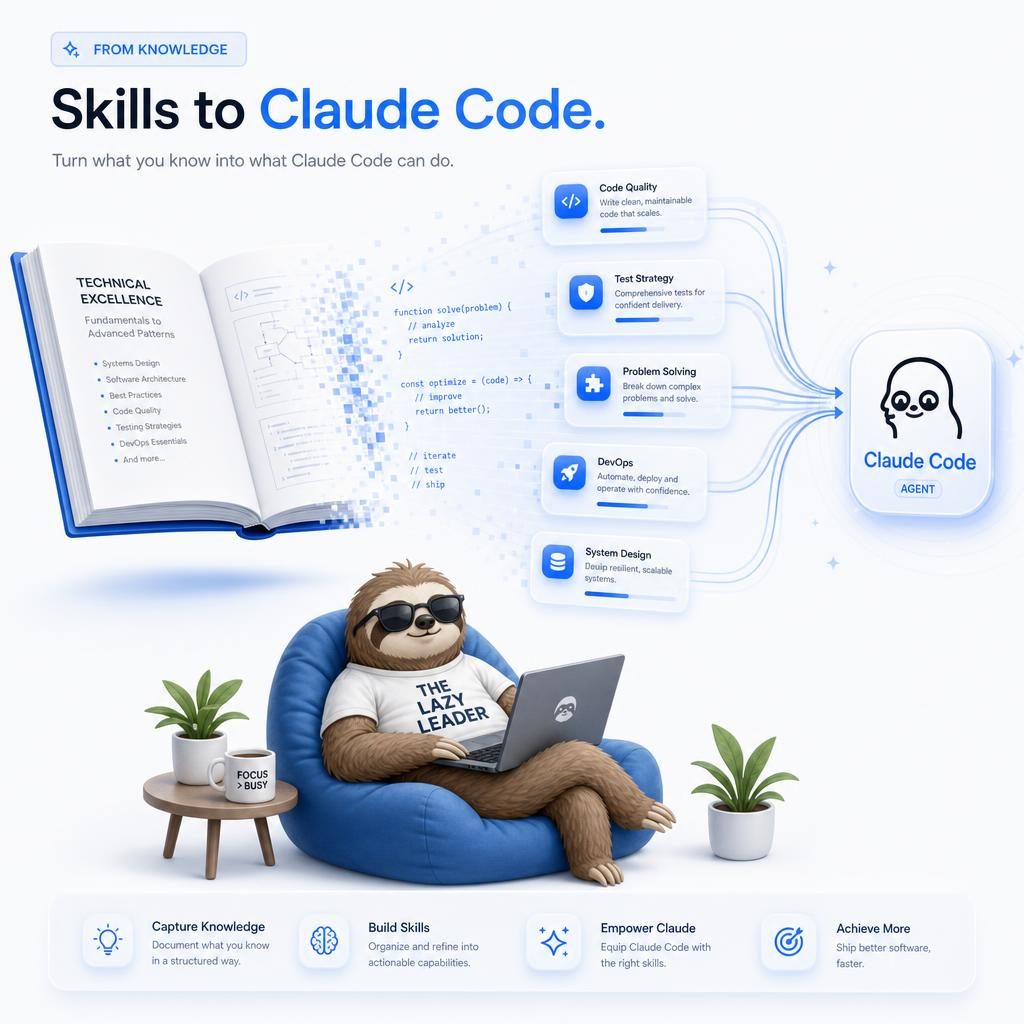
book-to-skill: Turn Any Technical Book Into a Claude Skill
Learn how book-to-skill turns a technical book into a Claude Code skill with one command. Covers install steps, supported formats, costs, and limits.

Cloudflare for AI Agents: The Complete Guide
Learn how AI agents deploy to Cloudflare with no account, build MCP servers, run Sandboxes, and use Workers AI, D1, R2, and KV step by step with code.
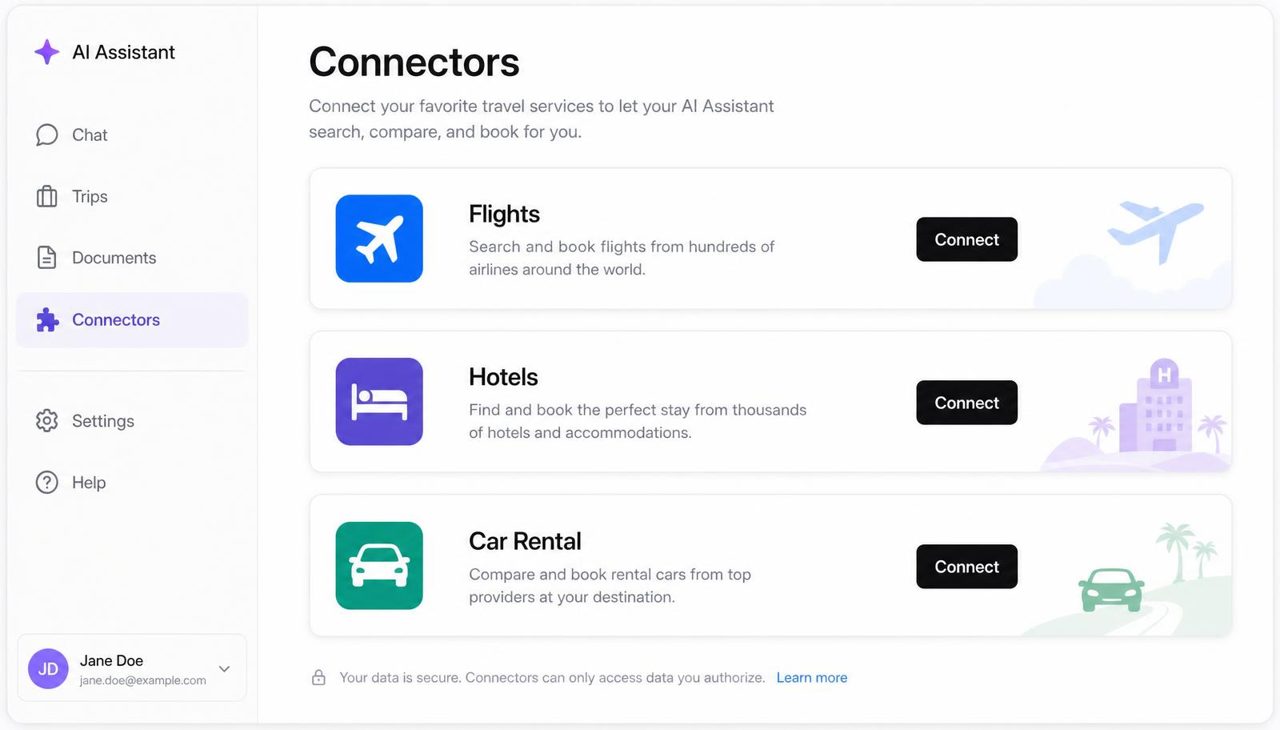
Claude Travel Planning: Flights, Hotels and Cars
Learn how to connect Claude to flight, hotel and car rental tools, compare prices with copy-paste prompts, and track fares automatically with Cowork.

Free Flight Price Tracking Tools on GitHub
Five free GitHub projects that track flight prices automatically, store price history, and send alerts. Learn what each tool does and how to start.

LLM Council, Ruflo, and Fleet: AI Agent Guide
Learn what LLM Council, Ruflo, and Fleet do, how to install each, and which to start with. Includes setup steps, commands, and honest limits for each tool.

Free App Stack: Build a Full App With Free Tools
Build a web, mobile, database, auth, and automation app on free plans from Vercel, Supabase, Neon, Cloudflare, Expo, and Oracle. Limits and traps covered.

EverOS: Persistent Memory for Claude Code Agents
Install EverOS, an open source local memory layer for Claude Code and other AI agents. Set it up in about 5 minutes and keep context across sessions.
Claude Code /goal and /loop: Full Guide
Learn how /goal and /loop make Claude Code work on its own, when to use each one, how to combine them, and five more commands worth knowing about.

Open source HeyGen alternatives: 3 free tools
Three free open source tools that cover what HeyGen does: face and voice cloning, photo to talking video, and lip sync, with setup steps and GPU rental costs.
n8n-MCP and n8n-Skills: Build n8n Workflows With Claude
Learn how to connect n8n-MCP and n8n-Skills to Claude so it can build, validate, and deploy n8n workflows, with setup steps and common pitfalls.
Buzz by Block: Full Guide to the Open Source Workspace
Learn what Buzz from Block is, what it includes, how its AI agents work as team members, and three ways to install it, plus its known rough edges.

ACE-Step 1.5 Guide: Free Local Alternative to Suno
Learn what ACE-Step 1.5 is, what it runs on, and how to install it with Pinokio, the command line, or ComfyUI. Plus a comparison with Suno Pro.

One email a week. One agent you can copy.
Every week I send the setup I actually used: the tools, the prompts and the steps. Short enough to read on your phone.
No spam. Unsubscribe with one click.